
Find any aspect ratio and resize without stretching
Enter a width and height, or pick a photo, to get its aspect ratio and the nearest standard one. Type a new width or height and the other side fills in.
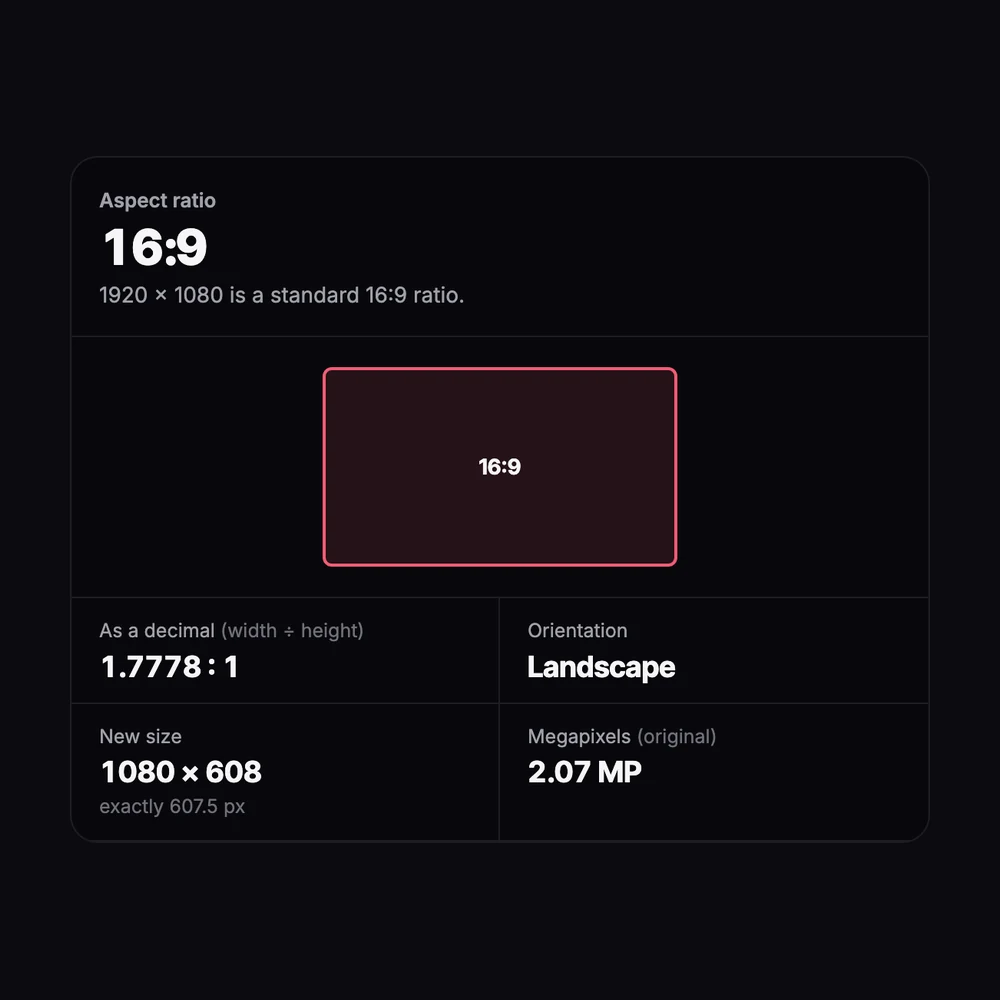
Aspect Ratio Calculator
No sign-up. Your photo never leaves your device.
How it’s calculated
- The ratio is the width and height divided by their greatest common divisor:
1920 × 1080 → ÷ 120 → 16:9. - Sizes with decimals are scaled to whole numbers first, so 1.5 × 1 becomes 3:2.
- New height
= new width × height ÷ width, and new width= new height × width ÷ height, rounded to whole pixels. - The nearest common ratio is shown when it is within 1% of yours.
Photo the wrong shape for a listing? Extend it to any ratio with AI →
Need more pixels for a bigger size? Upscale it with AI →
Everything you need, nothing you don't
Simplest ratio
1920 × 1080 becomes 16:9, 1080 × 1350 becomes 4:5.
Nearest standard ratio
Odd sizes are matched to the common ratio within 1%, such as 1366 × 768 ≈ 16:9.
Resize in proportion
Type a new width or height and get the other side, rounded to whole pixels.
Common ratios
One click for 1:1, 4:5, 3:4, 2:3, 9:16, 4:3, 3:2, 16:9 and 21:9.
Read a photo
Pick a photo and its size fills in. It's read on your device, not uploaded.
Free
No account, no limits.
Done in 3 steps
Enter the size
Type a width and height, or pick a photo to read its size.
Read the ratio
See the simplified ratio, its decimal and the nearest common ratio.
Resize
Type a new width or height to get the other side.
Questions about aspect ratio calculator
Is the aspect ratio calculator free?
Is my photo uploaded?
How is the aspect ratio calculated?
What is the aspect ratio of 1080 × 1350?
How do I resize without stretching?
My photo is the wrong ratio. What can I do?
Learn more about aspect ratio calculator
- 16:9 Aspect Ratio (2026): Resolutions in Pixels, from 720p to 4K and 8K
- 9:16 Aspect Ratio (2026): Sizes in Pixels and Where to Use It
- 4:5 Aspect Ratio (2026): Sizes in Pixels, 1080x1350 and How to Convert
- 1:1 Aspect Ratio (2026): Square Pixel Sizes for Every Platform
- 4:3 Aspect Ratio (2026): Sizes in Pixels, Formula and How to Convert
- 3:2 Aspect Ratio (2026): Sizes in Pixels, Prints and How to Convert
- What Is Pixel Ratio? Device Pixel Ratio, Pixel Aspect Ratio and Image Sizes (2026)
- Photo Print Sizes in Pixels (2026): 4x6 to 24x36 and A4 at 300 and 150 PPI
- Aspect Ratio Guide (2026): Common Ratios in Pixels and How to Calculate Them