
Home/Free tools/PDF to JPG
Free PDF to JPG converter

Turn PDF pages into JPG images

Need a catalog page, flyer or certificate as an image? Drop a PDF and save each page as a JPG or PNG at screen or print resolution. The file is never uploaded.
Free, no sign-upRuns in your browserYour PDF never leaves your device
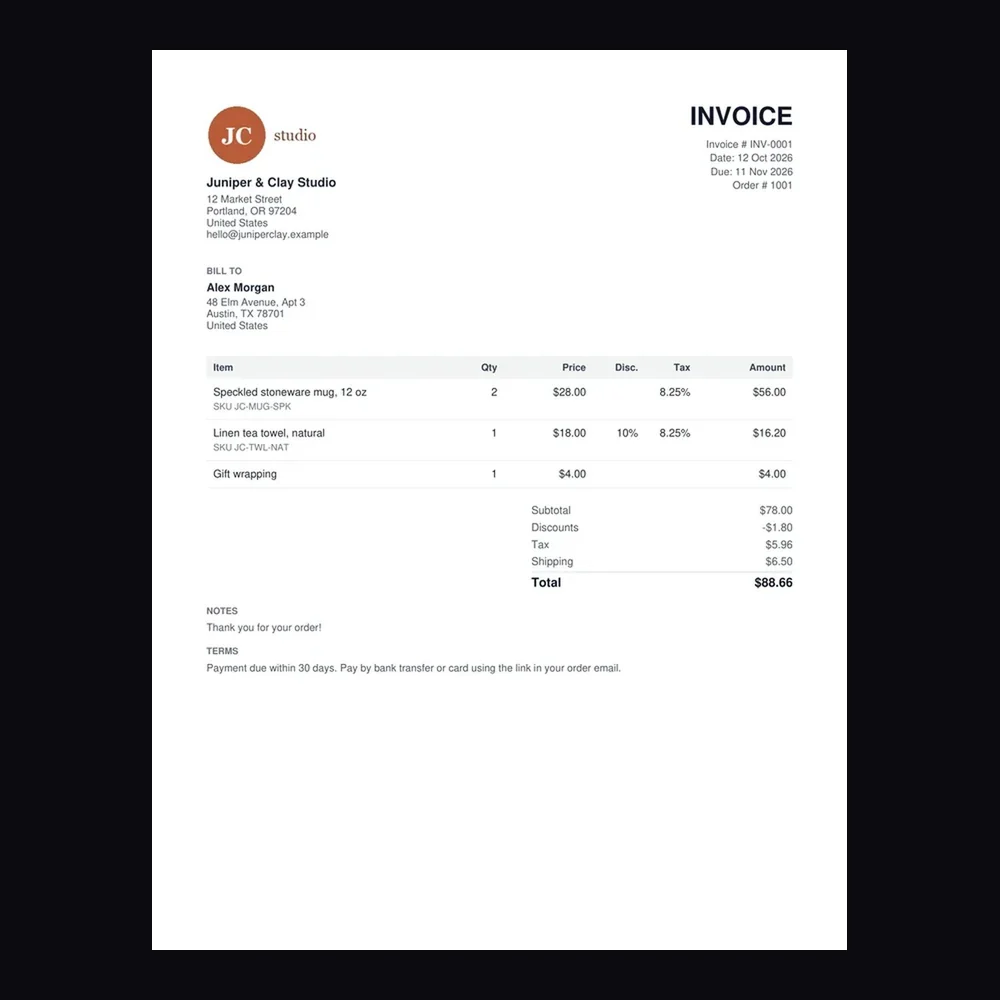
Page 1 of a two-page invoice PDF, converted to a 150 DPI JPG with this tool
Free · runs in your browser

PDF to JPG Converter

No sign-up. Your PDF never leaves your device.

Save pages as
Resolution

At 150 DPI a US Letter page comes out at 1275 × 1650 px and an A4 page at 1240 × 1754 px. Very large pages are scaled down to stay within what a browser can draw.

Your pages appear here as images.
Features

Everything you need, nothing you don't

JPG or PNG

JPG for small files, PNG for sharp text and line art.

72 to 300 DPI

72 DPI for screens, 150 for most uses and 300 for print.

Pick pages

Convert every page, or a range such as 1-3, 5. Up to 200 pages at a time.

ZIP download

Save pages one by one, or all of them in one ZIP.

Private

Pages are drawn on your device with pdf.js. Your PDF is never uploaded.

Free

No account, no credits, no watermark.

How it works

Done in 3 steps

01

Add your PDF

Drop a PDF or click to choose one.

02

Pick format and resolution

JPG or PNG, 72, 150 or 300 DPI, and the pages you want.

03

Download

Save pages one at a time or all of them as a ZIP.

FAQ

Questions about pdf to jpg

Is the PDF to JPG converter free?
Yes. It's free with no sign-up, no credits and no watermark.
Is my PDF uploaded?
No. The pages are rendered in your browser with Mozilla's open-source pdf.js library, which loads from a public code library when you add a PDF. Your PDF never leaves your device.
Which resolution should I pick?
150 DPI suits screens, email and most uploads: a US Letter page comes out at 1275 × 1650 px. Choose 300 DPI for printing or zooming into small text, and 72 DPI for the smallest files.
JPG or PNG?
JPG makes smaller files and suits pages with photos. PNG keeps text and lines perfectly sharp but the files are larger.
Can it open password-protected PDFs?
Yes, if you know the password. Enter it when the tool asks. It's used in your browser to open the file and isn't sent anywhere.
Is there a page limit?
You can convert up to 200 pages at a time. For longer PDFs, convert them in ranges such as 1-200 and 201-400. Very large pages are scaled down to stay within what a browser can draw.

Convert PDF to JPG today

7 days free, 50 credits, no card.

Start free trial
✖