
Product
Product photosWhite backgrounds, lifestyle scenes and every channel size
Background removerRemove backgrounds from up to 50 photos at once
UGC video ads NewAn AI creator presents your product, with voice and captions
AI Studio NewImages, video, avatars and voice from 60+ AI models
Listing copyTitles, descriptions, bullets and ad copy written by AI
Design templatesSale banners, social posts and ads from templates
Brand kitsLogos, colors and tone of voice in one place
AI tools
White background for AmazonRemove backgroundAI background generatorAI image generatorImage to videoImage upscalerProduct description generatorAll tools →
Pricing
Blog
Brand kits
Everything you make, on-brand
Save your logos, colors, tone of voice and audience once. Your colors become one-click photo backgrounds, and AI Studio writes in your voice.
Logos and colorsTone of voiceOne kit per brand
G
Glow SkincareClean skincare for busy mornings
Colors
#F5EFE6#E8B4A0#9CAF88#2F3E46#F45C75
Tone of voice
WarmFriendlyConfidentNo medical claims
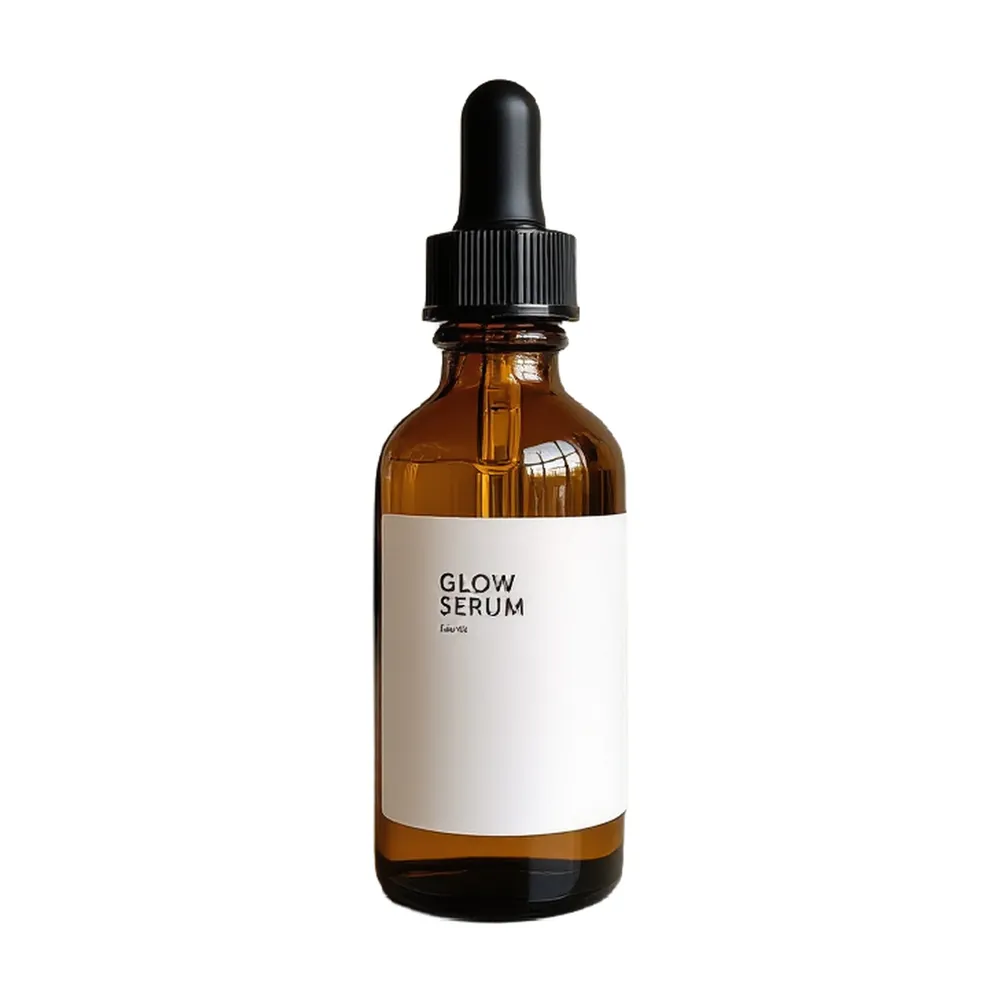
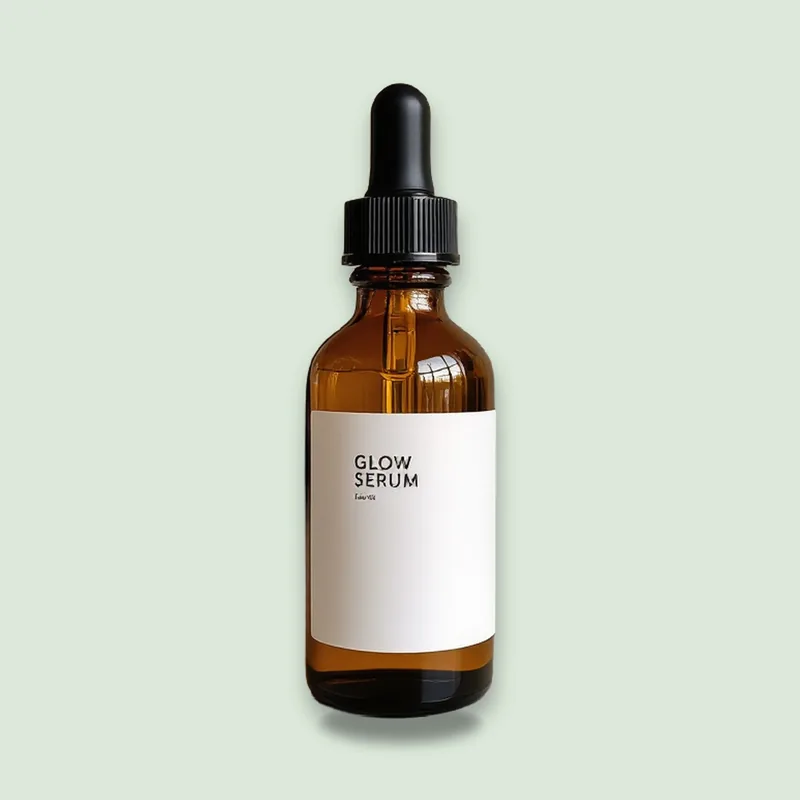
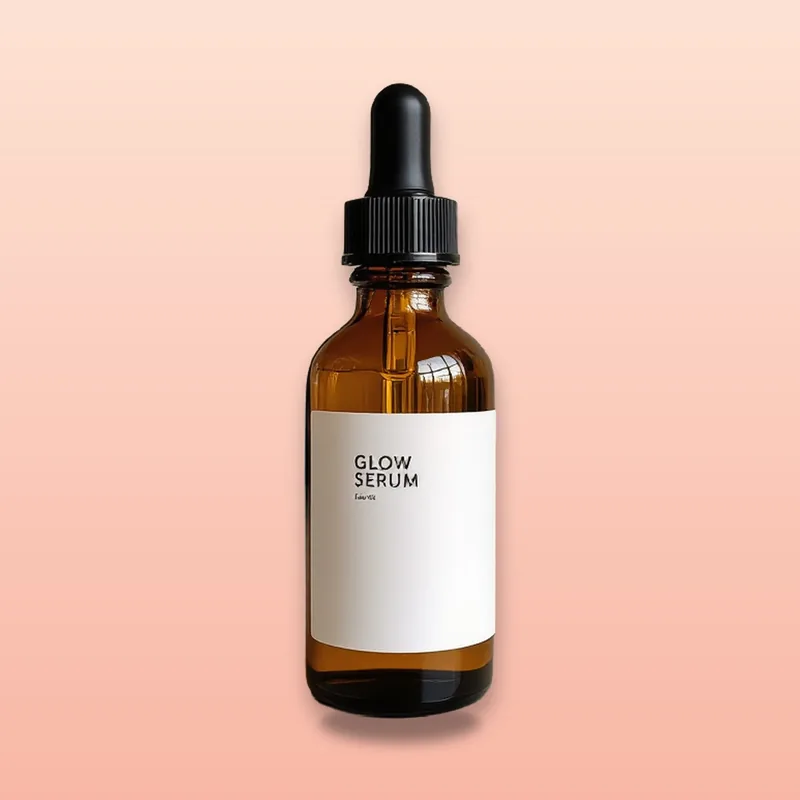
On-brand photos
Features
Everything you need, nothing you don't
Brand colors
Your colors appear as one-click backgrounds in the product photo editor, alongside the presets.
Logos
Keep every version of your logo in one place.
Tone of voice
Set a writing tone, personality and target audience. AI Studio follows them when it writes for your brand.
Things to avoid
List words or claims to leave out, and AI Studio keeps them out.
Brand story
Describe what your brand stands for, so AI writing sounds like you.
Several brands
Run more than one store or manage clients? Keep a separate kit for each brand.
How it works
Done in 3 steps
01
Create a kit
Name your brand and add a short description.
02
Add logos and colors
Upload logos and add your brand colors.
03
Set your voice
Choose a tone, describe your audience and list anything to avoid.
FAQ
Questions about brand kits
Where are my brand colors used?
In the product photo editor, as one-click color backgrounds next to the presets.
Does the AI use my tone of voice?
Yes. When you pick a brand in AI Studio, its tone, audience, personality and things to avoid are included in the request.
Can I have more than one brand?
Yes. Create a kit for each store or client.
AI tools
Need just one fix? Use a single tool
More from AiArter
One account, every tool
Product photos
White backgrounds, lifestyle scenes and every channel size
Learn more
Background remover
Remove backgrounds from up to 50 photos at once
Learn more
UGC video ads New
An AI creator presents your product, with voice and captions
Learn more
AI Studio New
Images, video, avatars and voice from 60+ AI models
Learn more
Listing copy
Titles, descriptions, bullets and ad copy written by AI
Learn more
Design templates
Sale banners, social posts and ads from templates
Learn more
✖