
Product
Product photosWhite backgrounds, lifestyle scenes and every channel size
Background removerRemove backgrounds from up to 50 photos at once
UGC video ads NewAn AI creator presents your product, with voice and captions
AI Studio NewImages, video, avatars and voice from 60+ AI models
Listing copyTitles, descriptions, bullets and ad copy written by AI
Design templatesSale banners, social posts and ads from templates
Brand kitsLogos, colors and tone of voice in one place
AI tools
White background for AmazonRemove backgroundAI background generatorAI image generatorImage to videoImage upscalerProduct description generatorAll tools →
Pricing
Blog
AI photo editor
Edit any photo by describing the change
No layers, no masks. Upload a photo, say what should change, and AI applies it while keeping the rest of the picture as it was.
8 credits per editFLUX Kontext ProFailed edits aren't charged

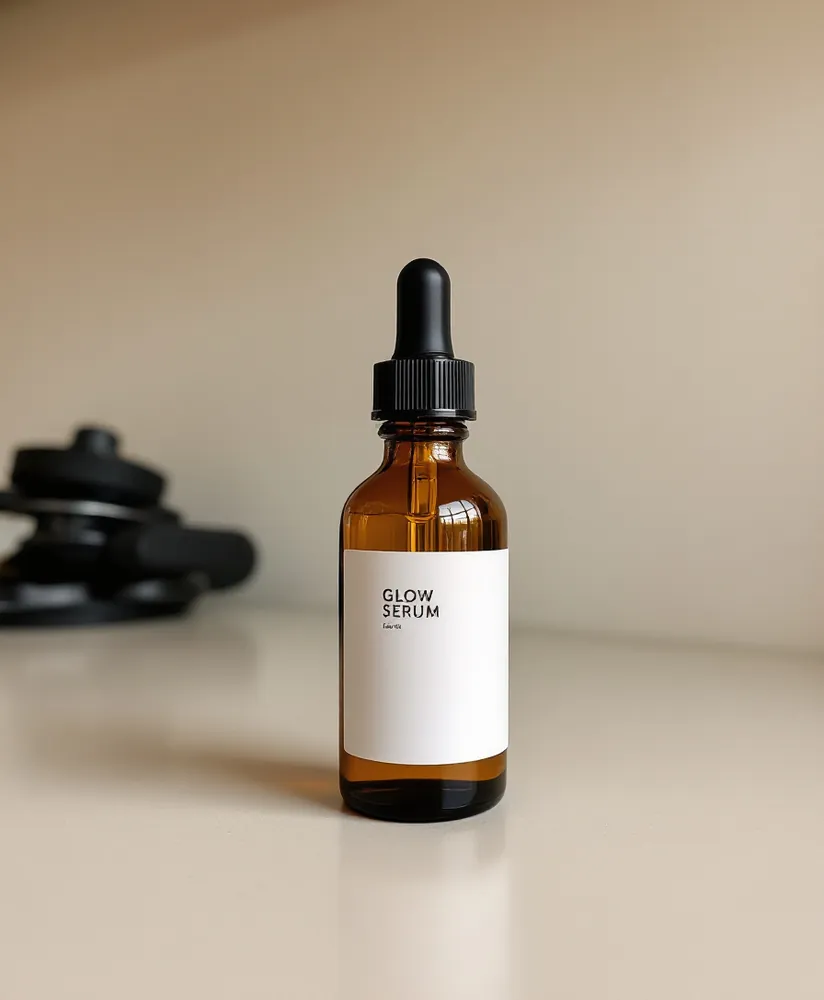 Original"Add lemon slices and water drops"
Features
Everything you need, nothing you don't
Plain-word edits
"Add snow", "make it a sunset", "put flowers around it": describe it and it's done.
Keeps the rest
The model changes what you ask for and keeps the rest of the photo in place.
Change the style
Turn a photo into a watercolor, a sketch or a film look.
Saved to your library
The original and every edit are kept side by side.
How it works
Done in 3 steps
01
Upload a photo
Any photo you have the rights to.
02
Describe the change
One clear change at a time works best.
03
Download
The edited image is saved to your library.
FAQ
Questions about edit image with ai
What can I change?
Backgrounds, props, weather, lighting, season and style. One clear instruction per edit gives the best result.
What does it cost?
8 credits per edit, charged only when it succeeds. The free trial includes 50 credits.
Why do I need an account?
Each edit costs real money to run, so we ask you to sign up first. It takes a few seconds with Google.
AI tools
More AI tools
More from AiArter
One account, every tool
Product photos
White backgrounds, lifestyle scenes and every channel size
Learn more
Background remover
Remove backgrounds from up to 50 photos at once
Learn more
UGC video ads New
An AI creator presents your product, with voice and captions
Learn more
AI Studio New
Images, video, avatars and voice from 60+ AI models
Learn more
50 free credits
Create your free account to generate
7 days free, no card needed. You'll come straight back here with your photo ready to go.
Continue with Google Sign up with emailAlready have an account? Sign in
✖