
Home/Free tools/QR code generator
Free QR code generator

QR codes that never expire and never track

Make a QR code for a product page, your Wi-Fi, an email address, a phone number or a text message. Download it as PNG or SVG for packaging, inserts and signs.
Free, no sign-upStatic codes that never expireWhat you type never leaves your device
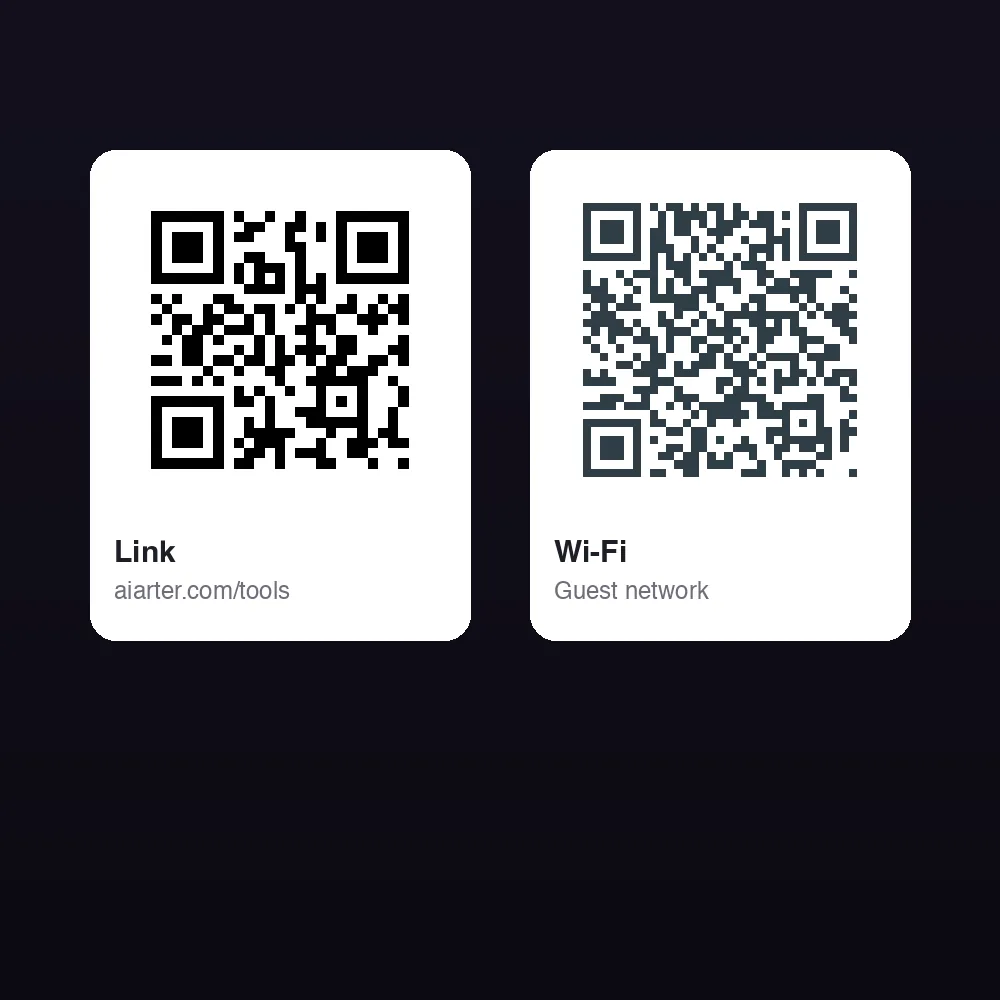
A link QR code and a Wi-Fi QR code made with this tool
Free · runs in your browser

QR Code Generator

No sign-up. What you type never leaves your device.

QR code for
Code color
Background

These are static QR codes: what you type is stored in the pattern itself. They never expire, don't pass through a redirect and nothing tracks scans. To change the content later, make a new code.

Fill in the details and your QR code appears here.
Features

Everything you need, nothing you don't

Six content types

Web links, plain text, Wi-Fi logins, email, phone calls and text messages.

Static, no tracking

The content is stored in the code itself. No redirect, no scan tracking, no expiry date.

Your colors

Pick code and background colors. The tool warns you when the contrast is too low to scan.

Error correction

Choose L, M, Q or H. Higher levels keep the code readable when it's scuffed or partly covered.

PNG or SVG

PNG up to 2048 px, or SVG for print and design software.

Free

No account, no credits, no watermark.

How it works

Done in 3 steps

01

Pick what it opens

A link, text, Wi-Fi network, email, phone number or text message.

02

Fill in the details

The code updates as you type. Set colors, margin and error correction.

03

Download and test

Save PNG or SVG and scan it with your phone before you print.

FAQ

Questions about qr code generator

Is the QR code generator free?
Yes. It's free with no sign-up, no credits and no watermark.
Do the QR codes expire?
No. These are static codes: the link or text is stored in the pattern itself and doesn't pass through our servers. They work for as long as the content they point to exists.
Do you track scans?
No. There's no redirect, so we can't see when a code is scanned. If you need scan counts, add UTM tags to your link and read them in your store's analytics.
Is my Wi-Fi password sent anywhere?
No. The code is made in your browser. What you type never leaves your device. Keep in mind that anyone who scans a Wi-Fi code can read the password inside it.
Can I change the link after printing?
No. A static code always opens what it was made with. Point it at a page you control, such as your store's product page, so you can change the page instead of the code.
Which error correction level should I choose?
Medium works for most uses. Choose Quartile or High for codes that may get scuffed, such as on packaging. Higher levels make the code denser, so print it a little bigger.
Why does the tool warn about colors?
Phones need strong contrast between the code and its background. Dark code on a light background scans best. Light code on dark backgrounds fails in some scanner apps.

Make a QR code today

14 days free, 200 credits, no card.

Start free trial
✖