
Watermark your photos with your text or logo
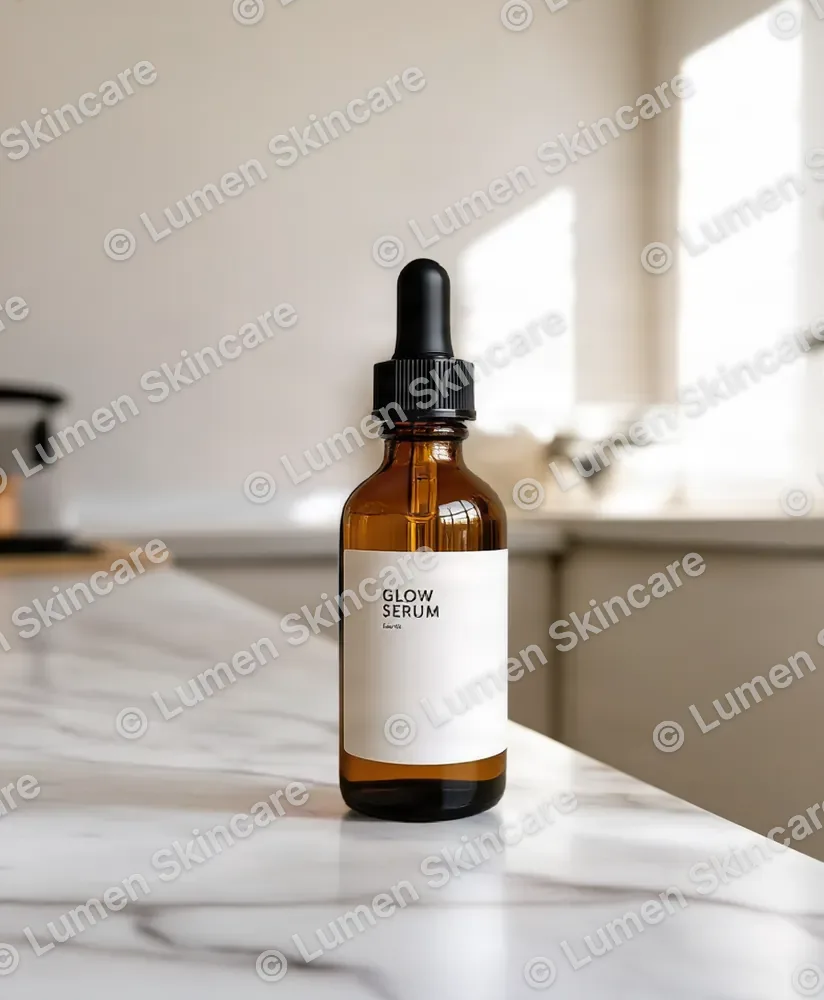
Add your brand name or logo to product photos before you share them. Set it once and apply it to up to 20 photos, then download them one by one or as a ZIP.

Add Watermark to Photos
No sign-up. Your photo never leaves your device.
"Same as original" saves PNG files as PNG and everything else as JPG. Sizes are relative to each photo, so the watermark looks the same on every photo in the batch. Saving a new copy drops the photo's EXIF data.
Selling on a marketplace? Amazon's main-image rules don't allow added watermarks or logos. Make a compliant white-background main image with AI →
Want the product on its own first? Remove the background with AI →
Everything you need, nothing you don't
Text watermark
Type your brand or copyright line and pick the font, size, color and opacity.
Logo watermark
Upload a PNG logo with transparency and set its width, opacity and position.
Corners or tiled
Place it in any of nine spots, or repeat it across the photo in straight or diagonal rows.
Up to 20 at once
The same settings apply to every photo. Download one or all of them as a ZIP.
Private by design
Watermarking happens on your device. Your photos are never uploaded.
Free
No account, no credits and no AiArter branding on your photos.
Done in 3 steps
Add photos
Drop up to 20 JPG, PNG, WebP or HEIC photos.
Set your watermark
Type your text, add a logo or both, and pick size, opacity and position.
Download
Save the photo you're previewing or download all of them as a ZIP.