
Change the DPI of an image without touching a pixel
Print shops, print-on-demand sites and layout apps often ask for 300 DPI files. Set the DPI of JPG and PNG images in seconds and see how large each one prints.
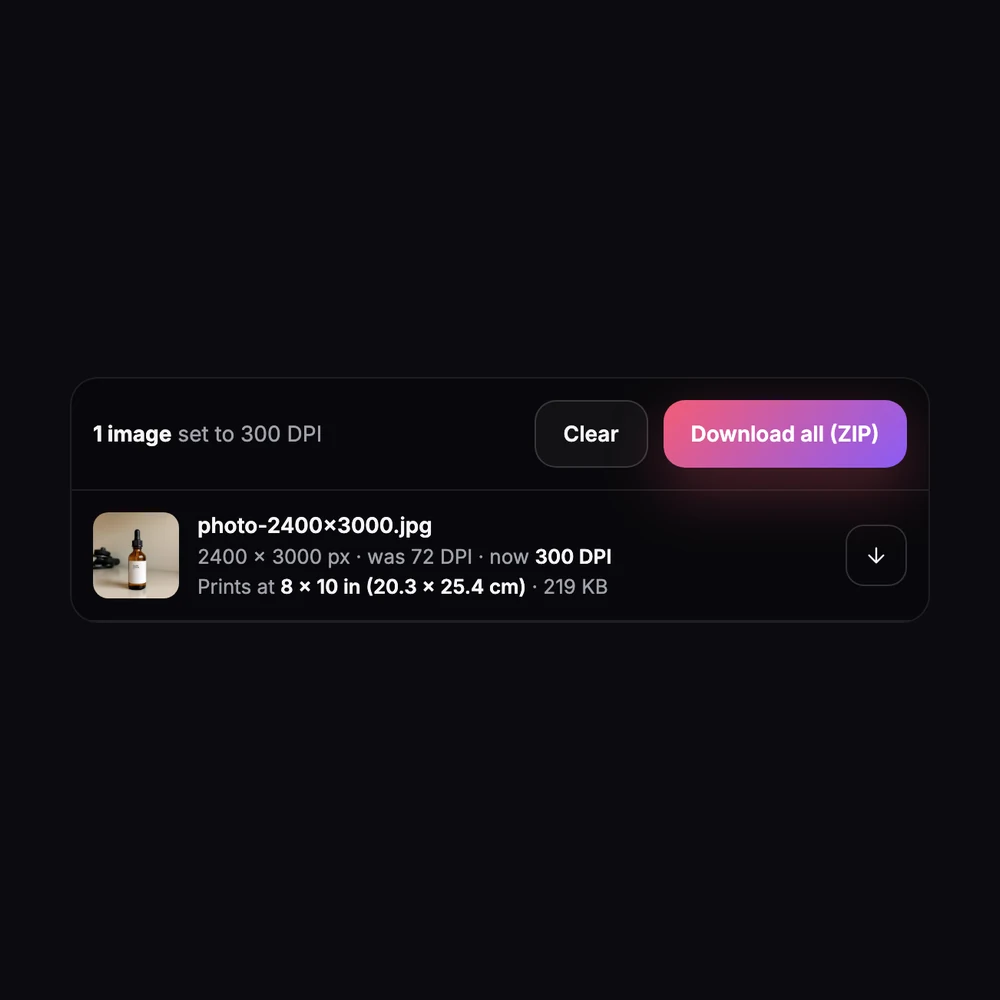
Change Image DPI
No sign-up. Your photo never leaves your device.
DPI is a label that tells printers and layout apps how large to print the image. Changing it keeps every pixel, so the photo looks exactly the same on screen and the file stays nearly the same size. To get a sharper print at a bigger size you need more pixels, not a higher DPI. Other formats? Convert them with the free image converter first.
Too few pixels for the print size you need? Upscale the image with AI →
Making printables or wall art? Create artwork with the AI image generator →
Everything you need, nothing you don't
Any DPI
72, 96, 150, 300 or 600 in one click, or any value you type.
Pixels untouched
Only the resolution fields change. The image isn't re-saved, so there's no quality loss.
JPG and PNG
Updates the JFIF, EXIF and Photoshop resolution fields in JPGs and the pHYs field in PNGs.
Print size
Shows how large each image prints at the new DPI, in inches and centimeters.
Up to 20 at once
Change a batch and download each file or one ZIP.
Free
No account, no credits, no watermark.
Done in 3 steps
Add your images
Drop up to 20 JPG or PNG images.
Pick a DPI
Choose 300 for print, or any value you need. Each file shows its old DPI and new print size.
Download
Save each image or all of them as a ZIP.