
Home/Free tools/Rotate image
Free image rotator

Rotate, straighten and flip your photos

Turn sideways photos upright, fix a tilted horizon or shelf, or mirror a photo. Apply the same turn to up to 20 photos and download them at full resolution, one by one or as a ZIP.
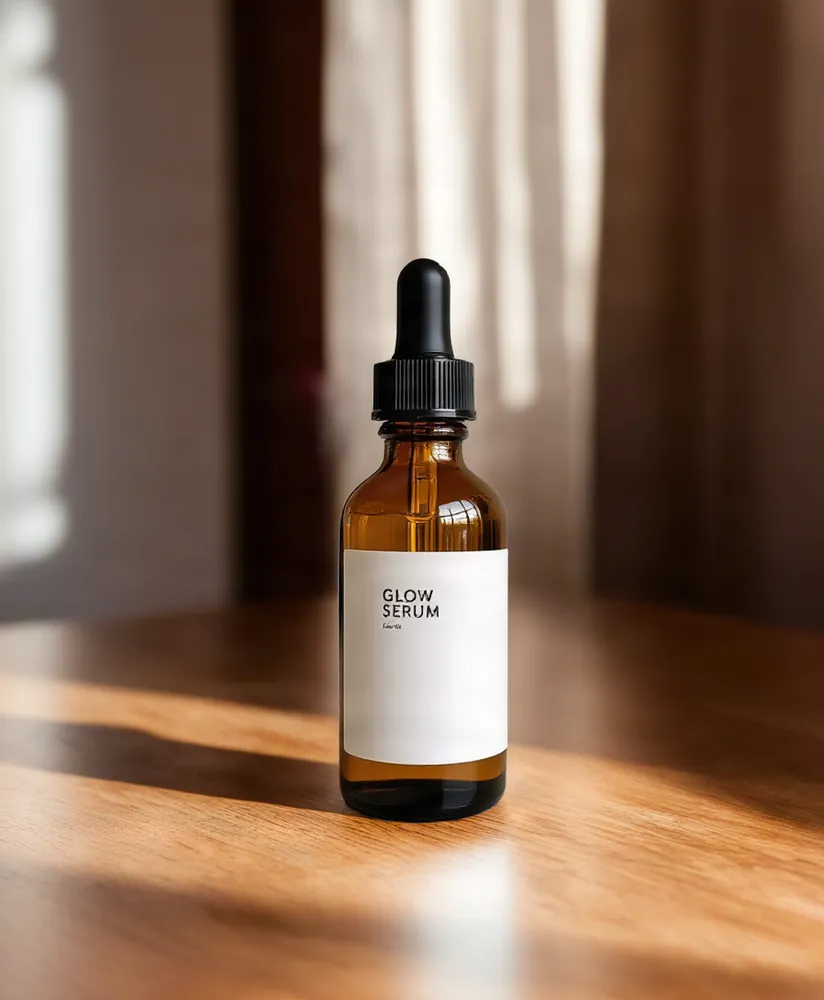
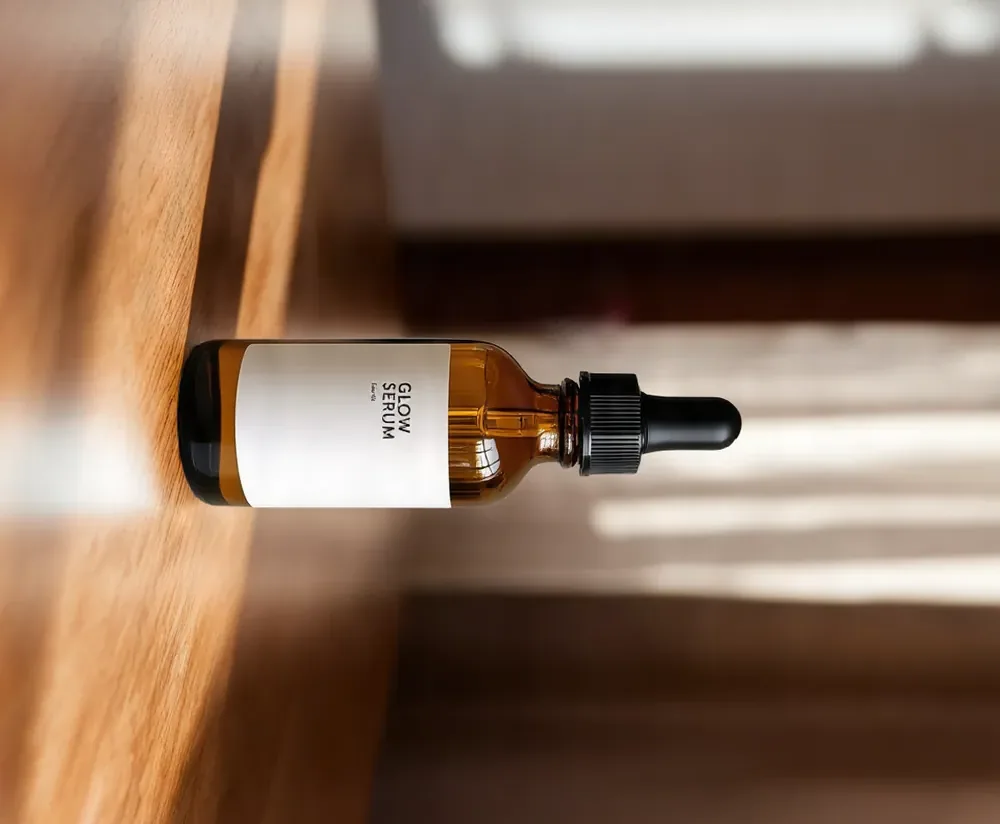
Free, no sign-upRuns in your browserYour photos never leave your device
Original, 824 × 1000
Rotated 90° right, 1000 × 824
Free · runs in your browser

Rotate and Flip Image

No sign-up. Your photo never leaves your device.

Rotate and flip
Positive angles turn clockwise. Line up the horizon or a shelf edge with the grid.
Corners after straightening
Save as

The same rotation applies to every photo. Photos keep their full resolution. Crop them off keeps the photo's aspect ratio and trims the edges just enough to remove the empty corners. Saving a new copy drops the photo's EXIF data.

A live preview of the rotated photo appears here.
Features

Everything you need, nothing you don't

90°, 180° and 270°

Turn photos left or right in one click.

Straighten by any angle

A slider from −45° to 45° in 0.1° steps, with a grid to line things up.

Crop or expand

Trim off the empty corners, or grow the canvas and fill them with a color or transparency.

Flip

Mirror photos horizontally or vertically.

Up to 20 at once

The same rotation applies to every photo. Download one or all of them as a ZIP.

Full resolution

Photos keep every pixel and are processed on your device, never uploaded.

How it works

Done in 3 steps

01

Add photos

Drop up to 20 JPG, PNG, WebP or HEIC photos.

02

Rotate or straighten

Turn, flip or drag the straighten slider while you watch the preview.

03

Download

Save as the original format, JPG, PNG or WebP, one at a time or as a ZIP.

FAQ

Questions about rotate image

Is the image rotator free?
Yes. It's free with no sign-up, no credits and no watermark.
Are my photos uploaded?
No. The rotation runs in your browser with the canvas API. Your photos never leave your device.
Does rotating lower the quality?
A 90°, 180° or 270° turn moves pixels without resizing them. The photo is then saved again: PNG keeps every pixel exactly, and JPG and WebP use the quality you pick, 92 by default.
What happens to the corners when I straighten?
Turning by a small angle leaves empty corners. Crop them off trims the photo just enough to remove them and keeps the original aspect ratio. Bigger canvas keeps the whole photo and fills the corners with a color, or with transparency in PNG and WebP.
My photo is sideways in one app but upright here. Why?
Phones often save photos with an orientation tag instead of turning the pixels. This tool reads that tag and saves the pixels upright without it, so the photo looks the same in every app.
Can I rotate several photos differently?
The same rotation applies to the whole batch. To turn photos in different directions, add them in separate batches.

Rotate photos today

14 days free, 200 credits, no card.

Start free trial
✖