
Make a favicon for your online store
Turn your logo, a letter or an emoji into the small icon shown in browser tabs and bookmarks. See it in a browser tab, download every size in one ZIP and paste the code into your site.
Favicon Generator
No sign-up. Your photo never leaves your device.
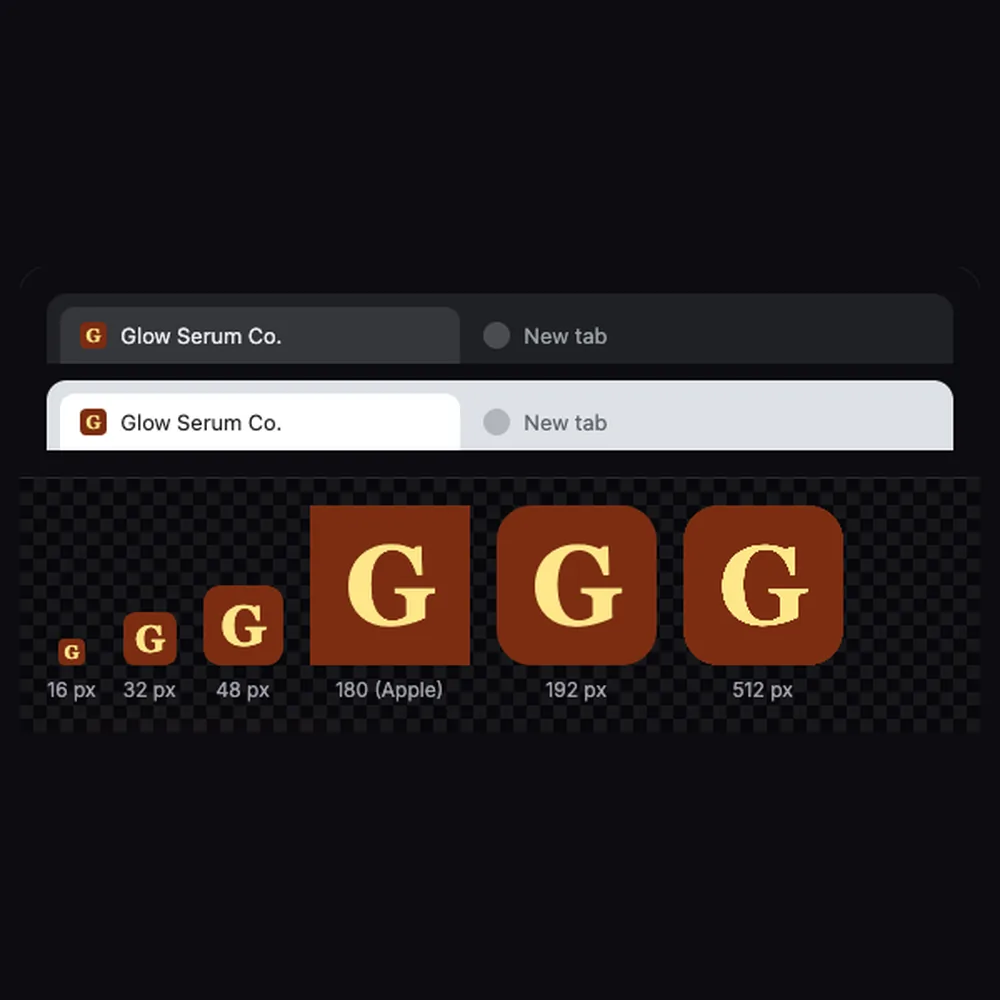
You get favicon.ico (16, 32 and 48 px), 16 and 32 px PNGs, a 180 px Apple touch icon, 192 and 512 px Android icons and a site.webmanifest. The Apple touch icon is always a full square with a solid background, because iPhones round the corners themselves and show transparent areas as black.
Everything you need, nothing you don't
From a logo
Upload a PNG, SVG, JPG or WebP logo, fit it whole or fill the icon.
From a letter or emoji
Type a letter or two or paste an emoji, then pick a font and colors.
Shape and background
Square, rounded or circle, on a color or a transparent background.
Browser tab preview
See the icon in a dark and a light tab, and at every size.
Every file you need
favicon.ico, 16 and 32 px PNGs, Apple and Android icons and a web manifest.
Ready-to-paste code
Copy the HTML link tags for your site's head.
Done in 3 steps
Pick a source
Upload your logo, or type a letter or emoji.
Style it
Choose shape, background, padding and colors while you watch the preview.
Download and install
Save the ZIP, upload the files to your site and paste the code.