
Home/Free tools/Instagram grid maker
Free Instagram grid maker

Split one photo into an Instagram grid or carousel

Turn a product photo or banner into posts that line up on your profile, or into carousel slides that flow into each other as people swipe. Position the photo, then download every post numbered in the order to publish.
Free, no sign-upRuns in your browserYour photo never leaves your device
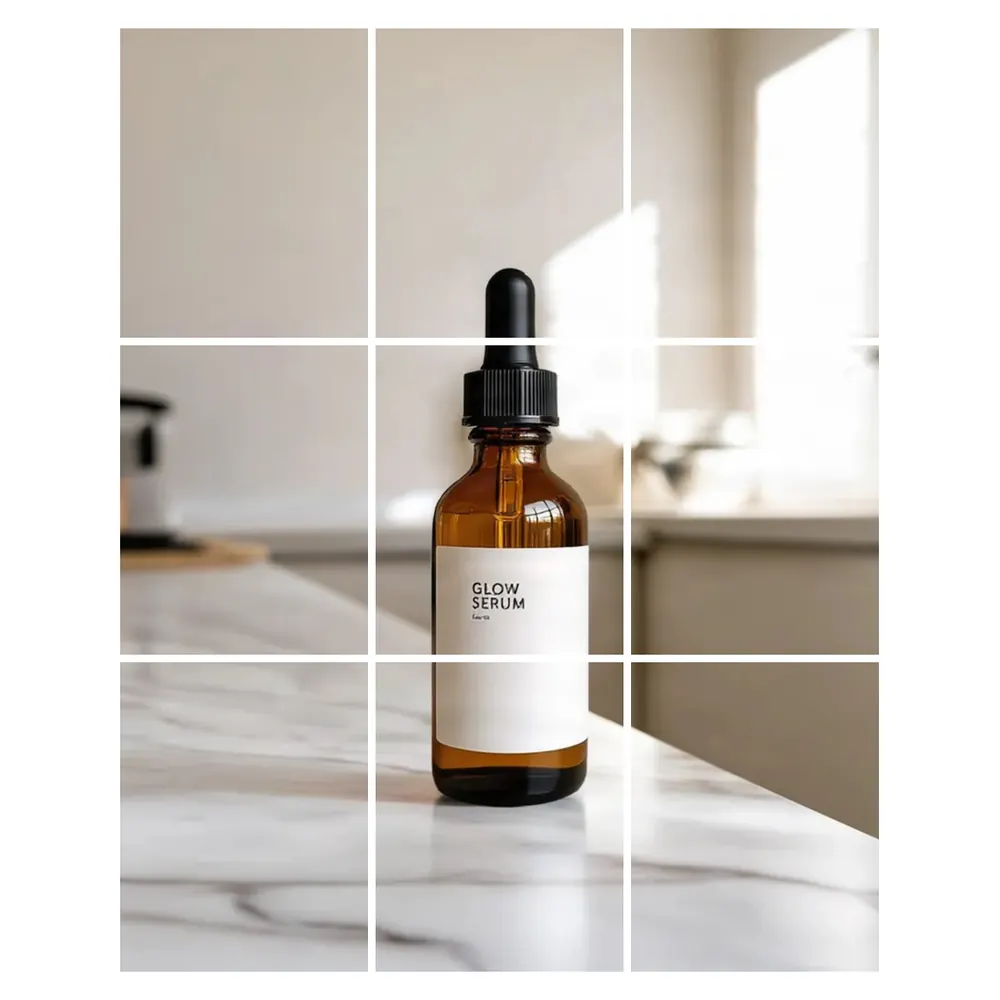
One product photo split into nine 1080 × 1350 posts, made with this tool
Free · runs in your browser

Instagram Grid Maker

No sign-up. Your photo never leaves your device.

Split into
Grid
Each post

Drag the photo to position it, or focus it and use the arrow keys (Shift moves faster). Gaps only show in the preview; the downloaded posts line up edge to edge.

Your grid or carousel preview appears here.
Features

Everything you need, nothing you don't

Profile grids

3 × 1, 3 × 2 or 3 × 3 posts that form one big picture on your profile.

Seamless carousels

2 to 10 slides cut from one wide photo.

Instagram sizes

Every post is 1080 × 1350 (4:5) or 1080 × 1080 (1:1).

Zoom and position

Drag the photo or use the arrow keys to frame it.

Posting order

Files are numbered in the order to publish, so the grid comes out right.

Private by design

Splitting happens on your device. The photo is never uploaded.

How it works

Done in 3 steps

01

Choose a photo

Drop it in or click to pick one. A big photo works best.

02

Pick the split

Choose a grid or a carousel and the post size, then zoom and position.

03

Download and post

Save the ZIP and publish the posts in their numbered order.

FAQ

Questions about instagram grid maker

Is the Instagram grid maker free?
Yes. It's free with no sign-up, no credits and no watermark.
Is my photo uploaded?
No. The photo is split in your browser. It never leaves your device.
In which order do I post a grid?
Post 01 first and the highest number last. Instagram puts your newest post at the top left of your profile, so the bottom-right piece goes up first and the top-left piece last. Post them one after another so nothing else lands in between.
How do I post a carousel?
Create one post, select all the slides in order, from slide 01 to the last one, and publish them together. Swiping then moves across the photo.
Why does my grid look cut off on my profile?
Instagram's profile grid can show a cropped preview of each post, so the edges of a piece may be hidden there. Keep text and key details away from the edges of each piece. The full post shows when someone opens it.
My photo looks soft after splitting. Why?
A 3 × 3 grid of 4:5 posts is 3240 × 4050 pixels, so smaller photos are enlarged, and the tool tells you when that happens. Use fewer posts or a bigger photo. The AI image extender can make a narrow photo wider for a carousel. That tool uses credits.

Split a photo today

14 days free, 200 credits, no card.

Start free trial
✖