
Home/Free tools/Add text to image
Free text and badge tool

Add text and sale badges to your product photos

Put a headline, a discount, a price tag or a free shipping badge on a product photo for social posts and ads. Edit the words and colors, drag everything into place and download at full size.

Free, no sign-upRuns in your browserYour photo never leaves your device
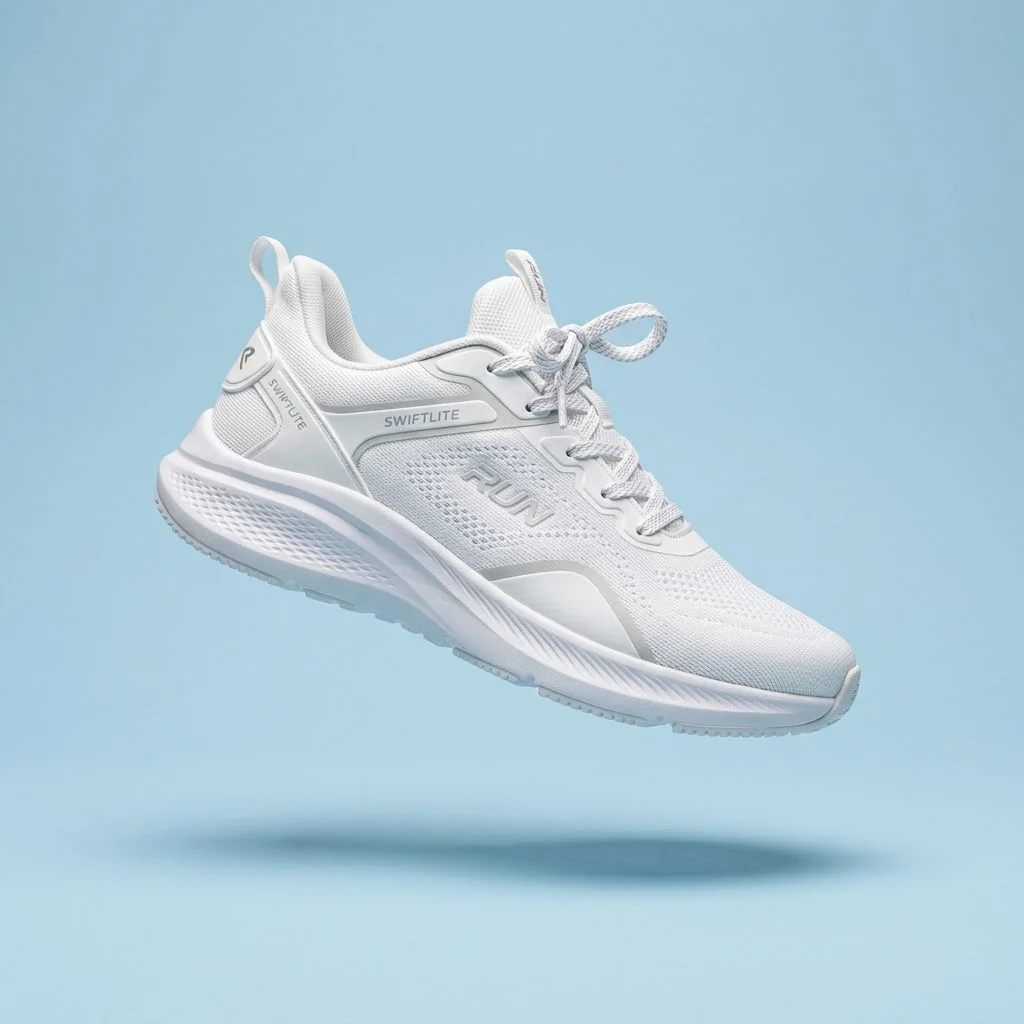
Original photo
Original photo
Headline, discount, price tag and shipping badge
Free · runs in your browser

Add Text to Image

No sign-up. Your photo never leaves your device.

Add

    Drag text or a badge on the photo to move it, or click it to edit it. With the photo focused, arrow keys move the selected layer, Shift + arrow moves it faster and Delete removes it.

    Your photo with text and badges appears here.
    Features

    Everything you need, nothing you don't

    Text layers

    Add as many lines of text as you need, each with its own style.

    Ready-made badges

    SALE, -20%, NEW, BESTSELLER, FREE SHIPPING and a price tag, all editable.

    Fonts and colors

    11 fonts, any text and badge color, outlines and soft shadows.

    Five badge shapes

    Plain text, rounded label, circle, ribbon or price tag.

    Full-size download

    Save as JPG or PNG at the photo's full resolution.

    Private by design

    Everything happens on your device. The photo is never uploaded.

    How it works

    Done in 3 steps

    01

    Choose a photo

    Drop it in or click to pick one. JPG, PNG, WebP and HEIC work.

    02

    Add text and badges

    Pick a badge or add text, then edit the words, font and colors.

    03

    Place and download

    Drag each layer into place and save as JPG or PNG.

    FAQ

    Questions about add text to image

    Is the tool free?
    Yes. It's free with no sign-up, no credits and no watermark.
    Is my photo uploaded?
    No. The text is drawn in your browser. Your photo never leaves your device. Picking one of the Google fonts downloads that font from Google Fonts, but your photo and text stay on your device.
    Can I put a SALE badge on my Amazon main image?
    No. Amazon's main-image rules don't allow added text or graphics; check your marketplace's rules. Use badges and text on social posts, ads, your own store and secondary images.
    Can I edit a badge?
    Yes. Every badge is a text layer with a shape behind it. Change its words, font, size, text color, badge color and shape, or turn the shape off.
    How do I move text precisely?
    Click a layer to select it, then use the arrow keys while the photo has focus. Hold Shift for bigger steps. Delete removes the selected layer.
    Will the text look the same in the download?
    Yes. Text size is set as a share of the photo's shorter side, so the full-size photo matches the preview.

    Add text today

    14 days free, 200 credits, no card.

    Start free trial
    ✖