
Fix light and color in your product photos
Brighten a dark photo, fix a color cast, lift shadows and sharpen fine detail with simple sliders. Hold to compare with the original, then download at full size.
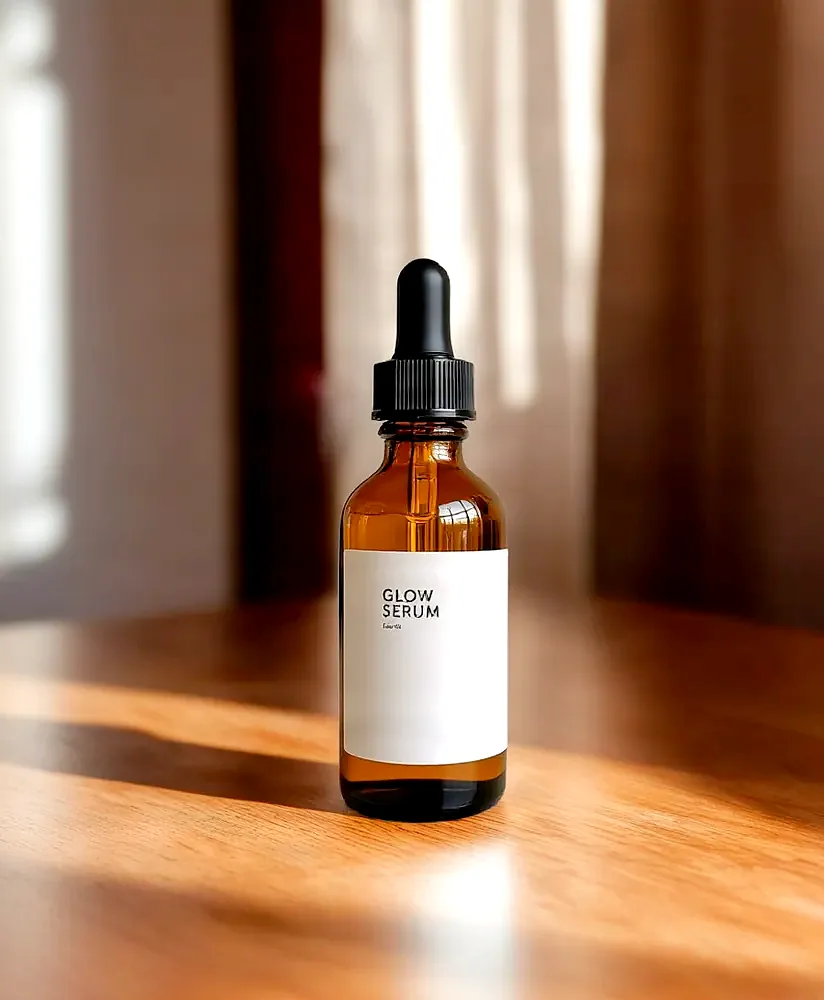
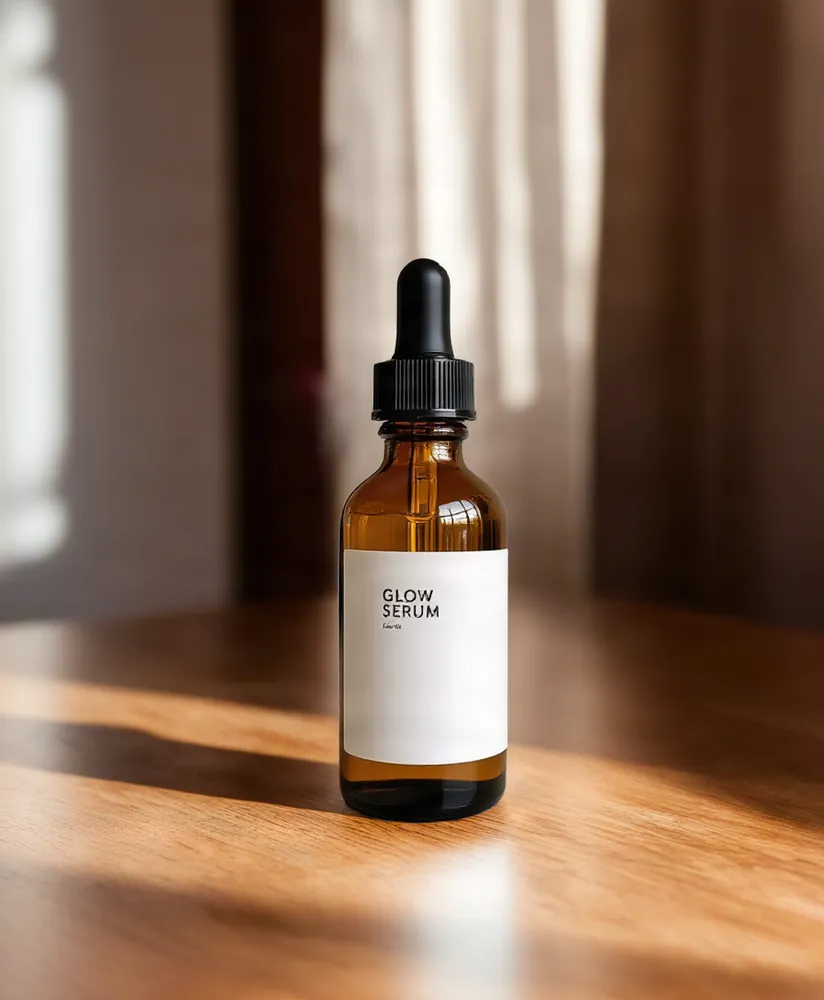 OriginalLifted shadows, more contrast, sharpened
Product Photo Editor
No sign-up. Your photo never leaves your device.
The preview is a smaller copy so the sliders stay fast. The download is edited at the photo's full size. Saving a new copy drops the photo's EXIF data.
Blurry or low-detail photo? AI sharpen rebuilds fine detail →
Want to change the scene or remove an object? Describe the change and edit with AI →
Need a pure white background for Amazon? Make an Amazon-ready main image →
Everything you need, nothing you don't
Light
Brightness, contrast, highlights and shadows, each on its own slider.
Color
Saturation and warmth to fix a cold or yellow cast.
Sharpen
An unsharp mask that crisps edges and labels without changing colors.
Rotate and flip
Turn the photo 90° either way and flip it horizontally or vertically.
Full-size download
Edits preview on a smaller copy and are applied to the full photo when you download.
Private by design
Editing happens on your device. The photo is never uploaded.
Done in 3 steps
Choose a photo
Drop it in or click to pick one. JPG, PNG, WebP and HEIC work.
Adjust
Move the sliders and hold Compare to check against the original.
Download
Save the edited photo as JPG or PNG at full size.