
Put your product photos in one clean collage
Show a product from every angle, a bundle or a whole range in one image. Pick a layout and a size, set spacing, corners and background, and drag the photos into order.
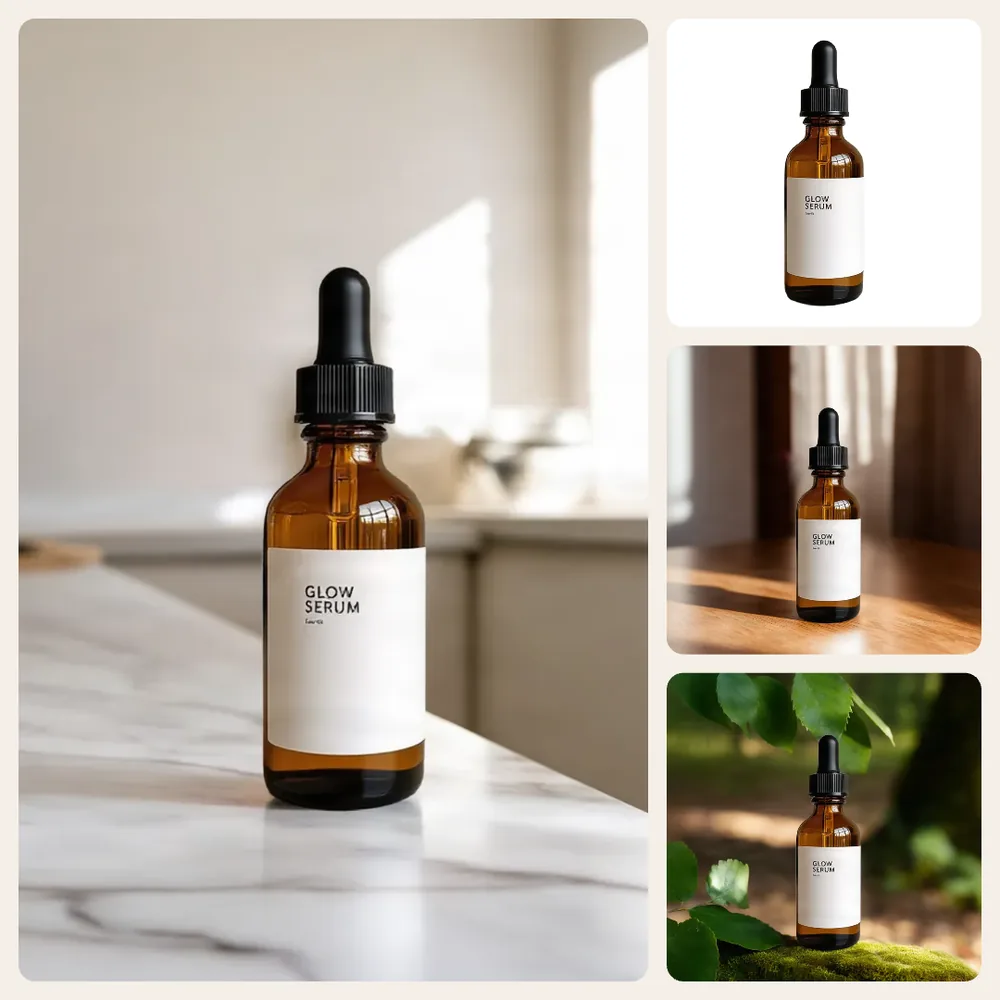
Product Collage Maker
No sign-up. Your photo never leaves your device.
Drag a thumbnail to change the order, or use its arrow buttons. Photo 1 goes in the big space. Spacing also sets the border around the edge.
Photos shot on different backgrounds? Put every product on pure white with AI →
Want a matching styled scene behind each product? Try the AI background generator →
Everything you need, nothing you don't
Six layouts
2 side by side, 2 stacked, 2 × 2, 3 × 3, 1 big + 2 and 1 big + 3.
Sizes that fit
1080 × 1080 and 1080 × 1350 for Instagram, 2000 × 2000 for marketplaces, 1200 × 628 for ads.
Spacing and color
Set the gap, the corner radius and any background color.
Easy reordering
Drag thumbnails or use the arrow buttons. Photo 1 takes the big space.
Fill or fit
Crop each photo to fill its space, or fit the whole photo inside it.
Private by design
The collage is made on your device. Your photos are never uploaded.
Done in 3 steps
Add photos
Drop 2 to 9 photos. The tool picks a layout to match how many you add.
Arrange
Pick a layout and size, then set spacing, corners, background and order.
Download
Save the collage as JPG or PNG.