
Pick any color from your photo
Click or tap a spot on your product photo or logo to read its exact color. Copy the HEX, RGB or HSL code, save up to 12 colors and export them for your store theme or design app.
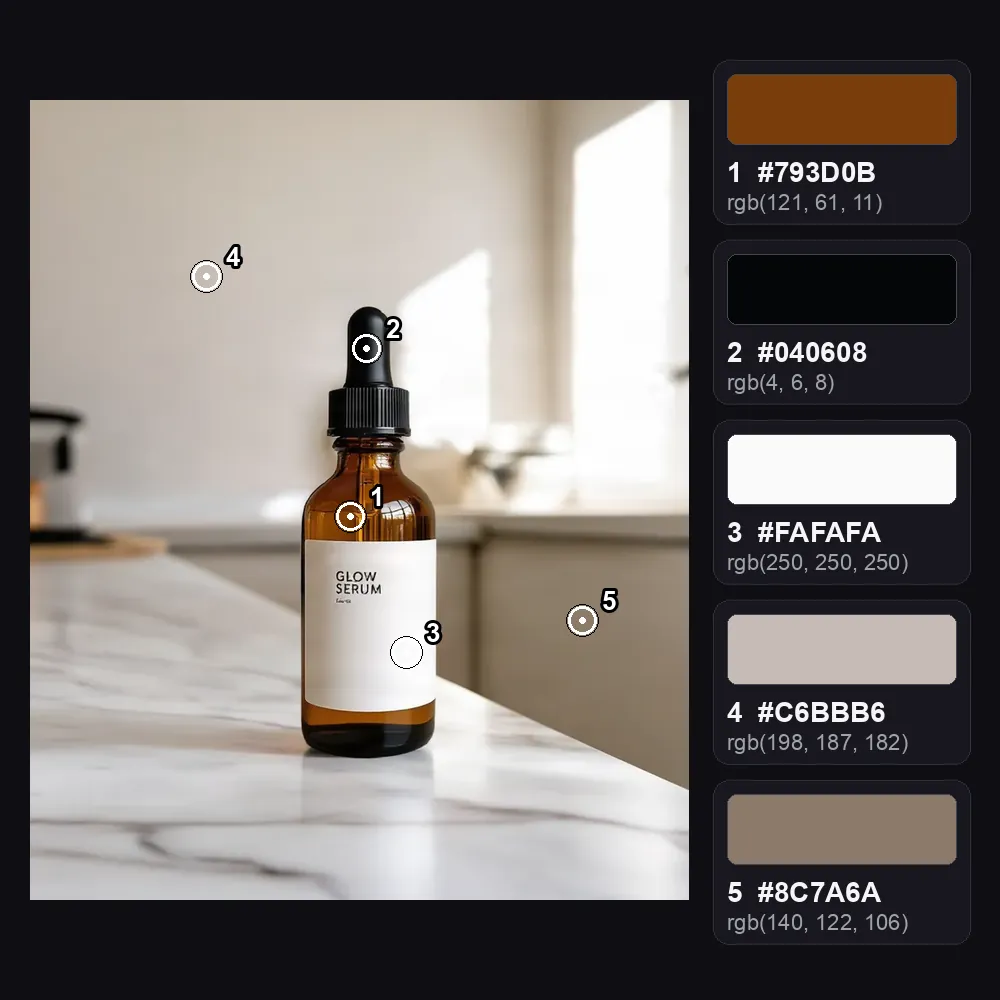
Color Picker from Image
No sign-up. Your photo never leaves your device.
Move over the photo to see the color under the pointer, then click or tap to save it. On a phone, drag your finger and lift it on the spot you want. With the photo focused, arrow keys move the picker one pixel, Shift + arrow moves 10 and Enter saves the color. Colors are read from the photo's full-size pixels.
- HEX
- RGB
- HSL
- NAME
- AT
Saved colors (0 of 12)
Click or tap the photo to save colors here.
Want the main colors picked for you? Get a palette from the photo automatically.
Save your colors in a brand kit and they show up as one-click backgrounds in the product photo editor.
Want product photos in these colors? Try the AI background generator →
Everything you need, nothing you don't
Zoom loupe
A magnified view of the pixels under the picker, so you hit the exact spot.
HEX, RGB and HSL
Every format with its own copy button, plus the nearest CSS color name.
12 saved colors
Each click saves a swatch. Click a swatch to see its values again.
CSS and JSON export
Copy your saved colors as CSS variables or as JSON.
Exact pixels
Colors are read from the photo at full size, not from a smaller preview.
Private by design
Picking happens on your device. The photo is never uploaded.
Done in 3 steps
Choose a photo
Drop it in or click to pick one. JPG, PNG, WebP and HEIC work.
Pick colors
Click or tap the spots you want, or move the picker with the arrow keys.
Copy or export
Copy one code, or export all saved colors as CSS variables or JSON.