
Photos sized for Pinterest in one click
Make tall 2:3 pins that stand out in Pinterest feeds, without stretching your product photo.
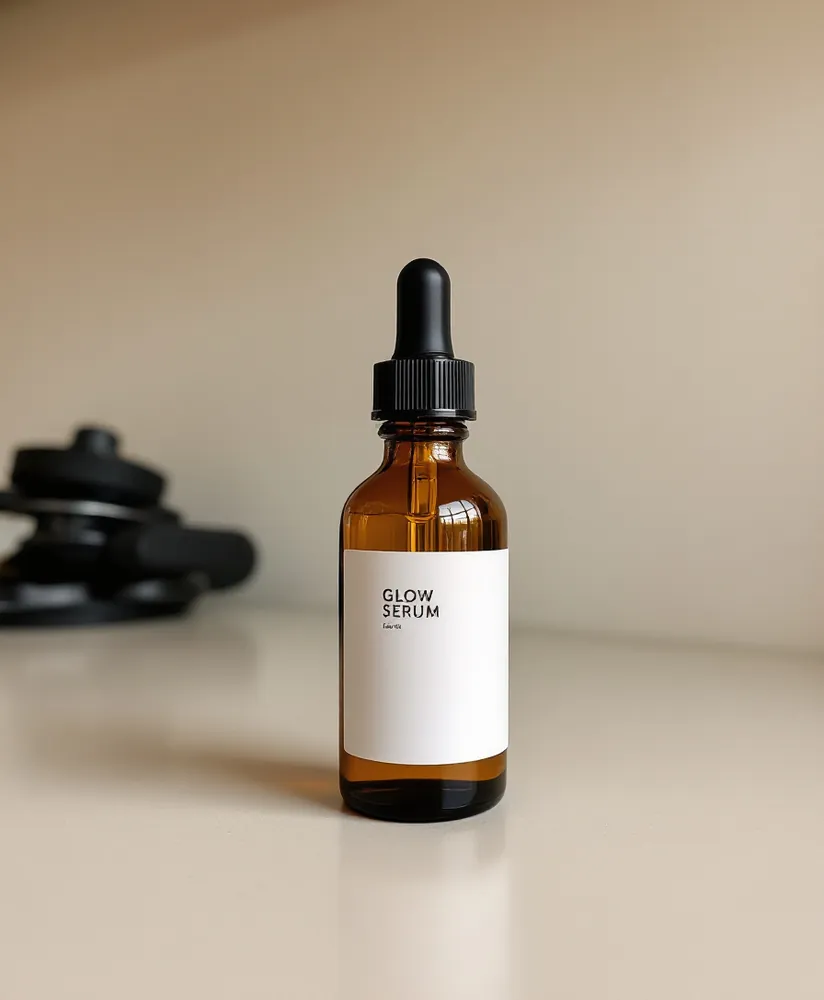
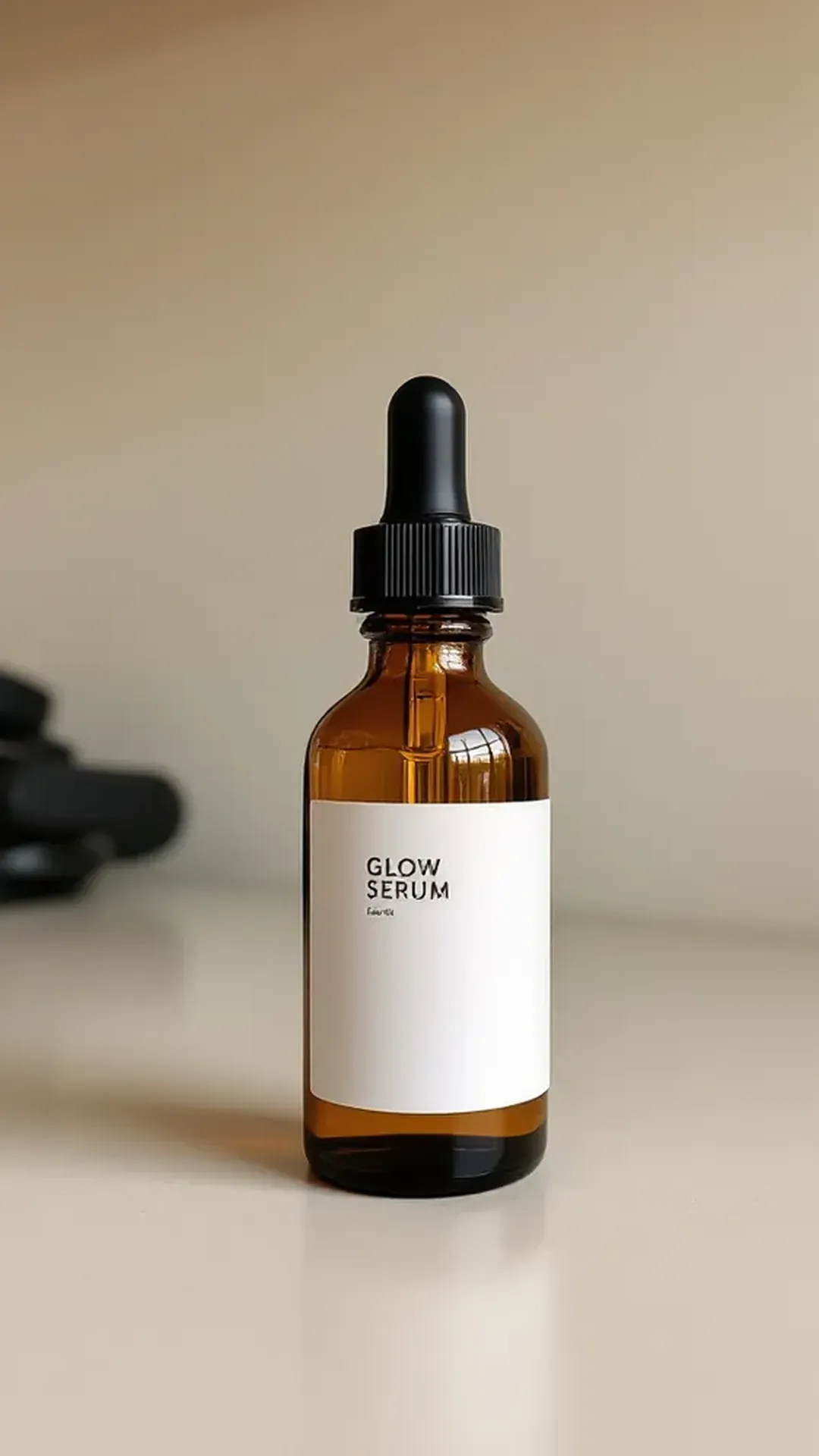
Resize Image for Pinterest
No sign-up. Your photo never leaves your device.
Your photo was enlarged to reach this size, so detail may look soft. The AI image upscaler rebuilds detail →
Want the empty space filled by AI instead of bars? Try the AI image extender →
Need a fresh image for the pin? Try the AI image generator →
Everything you need, nothing you don't
Pinterest pin ready
1000 × 1500 (2:3) is the pin shape Pinterest commonly recommends.
Pad or crop
Fit the whole photo with white or colored padding, or fill the frame and crop the edges.
Every other channel too
Switch to Amazon, Shopify, Etsy, eBay, Instagram, TikTok, Pinterest or a custom size any time.
Private by design
Resizing happens on your device. Nothing is uploaded.
Done in 3 steps
Add a photo
JPG, PNG, WebP or iPhone HEIC.
Keep Pinterest pin selected
Choose pad or crop, and JPG or PNG.
Download
The photo is exactly 1000 × 1500 px.