
Add a border or padding to your photos
Frame product photos with a clean border in white, black or your brand color. Set the size in pixels or as a share of the photo, round the corners, add a soft shadow and see the exact output size.
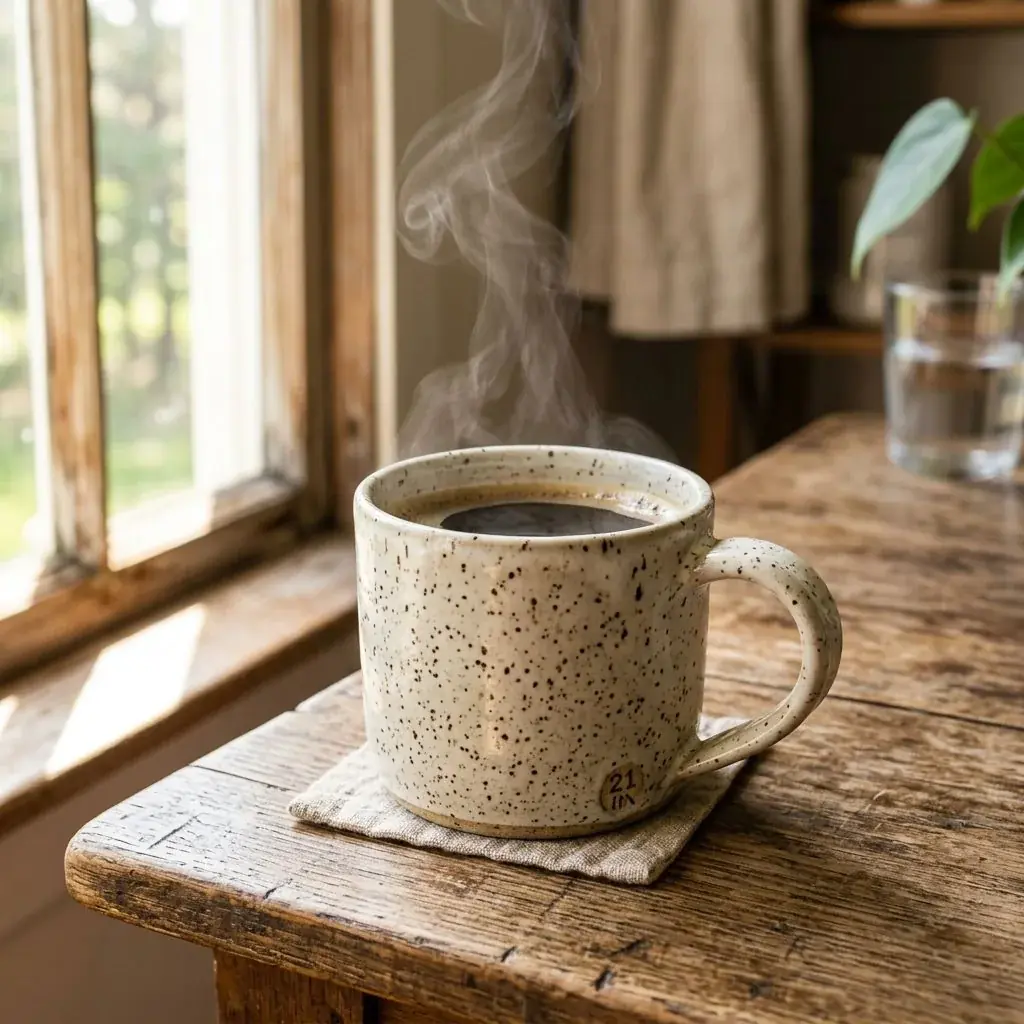
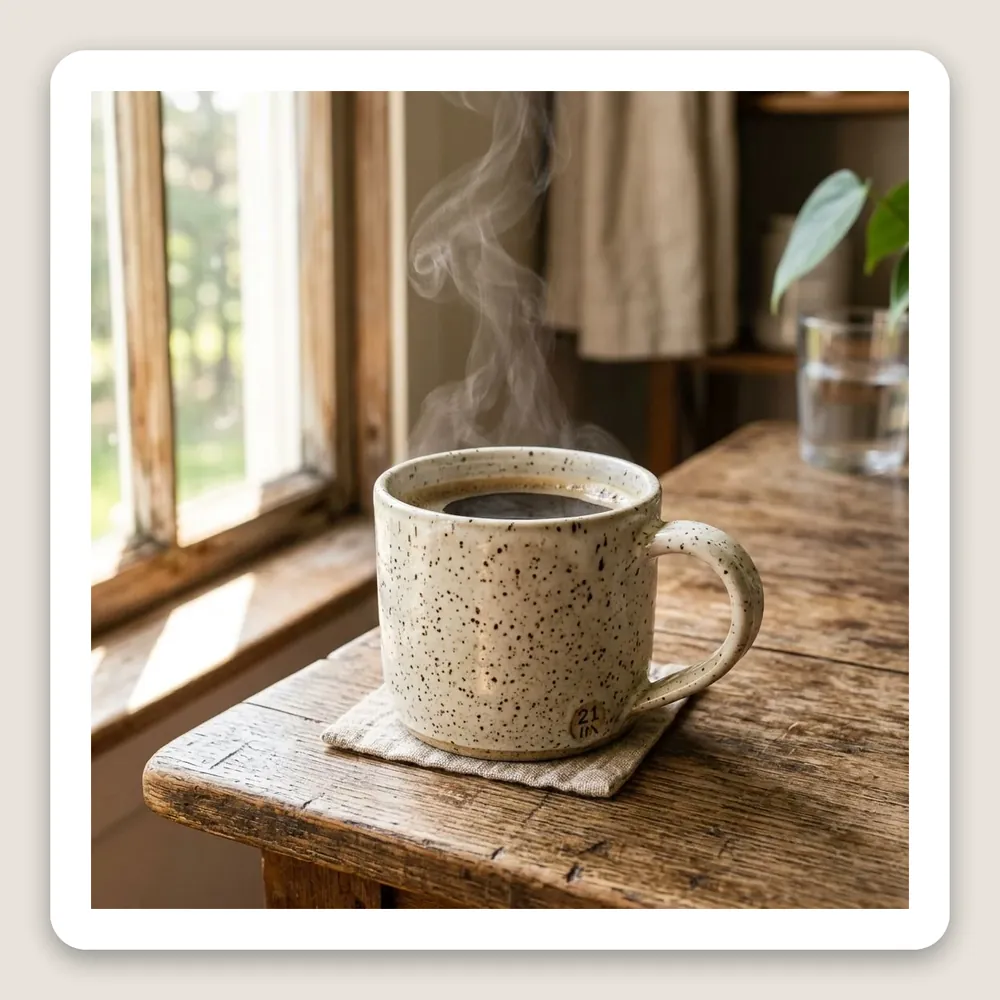
Add Border to Image
No sign-up. Your photo never leaves your device.
Pixel sizes are added to every photo as they are. Percent sizes are a share of each photo's shorter side, so the border looks the same on photos of different sizes. The photo itself keeps its pixels and isn't resized. Saving a new copy drops the photo's EXIF data.
Need a pure white main image for Amazon? Make an Amazon-ready white background with AI →
Want more real scene around the product instead of a flat border? Extend the photo with AI →
Everything you need, nothing you don't
Uniform or per side
One size for all four sides, or a different top, right, bottom and left.
Any color
White, black, light gray or your brand color from the color picker.
Rounded corners
Round the outer corners, with a transparent or colored background behind them.
Drop shadow
A soft shadow under the bordered photo, on extra space around it.
Make it square
Adds extra border on the shorter sides for 1:1 marketplace and social images.
Up to 20 at once
The same settings apply to every photo. Download one or all of them as a ZIP.
Done in 3 steps
Add photos
Drop up to 20 JPG, PNG, WebP or HEIC photos.
Style the border
Pick the size, color, corners and shadow while you watch the preview.
Download
Save as JPG or PNG, one at a time or as a ZIP.