
Make any photo black and white
Convert product and lifestyle photos to black and white, then fine-tune how each color turns gray. Add sepia or a two-color duotone, compare with the original and download at full size.

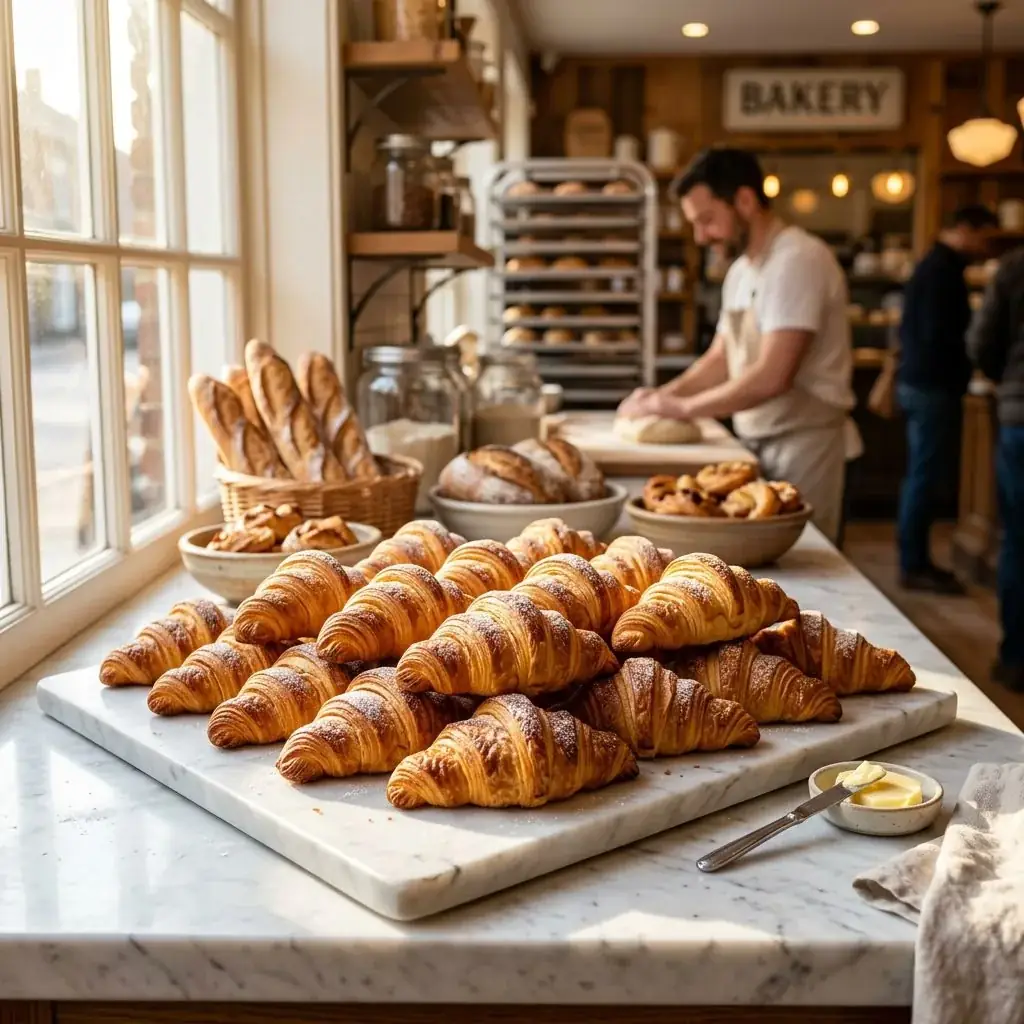 OriginalBlack and white, contrast +15
Black and White Photo Converter
No sign-up. Your photo never leaves your device.
Total: 100%. Keep it near 100% to keep the overall brightness. More red brightens skin and warm products and darkens blue skies.
Luminance weighs green most and blue least, close to how bright each color looks to the eye. Average treats all three the same. The preview is a smaller copy so the sliders stay fast. Downloads are converted at full size, and transparent PNGs stay transparent. Saving a new copy drops the photo's EXIF data.
Have an old, faded or scratched photo? Restore it with AI, which can also bring back color →
Want to change more than the colors? Describe the change and edit with AI →
Everything you need, nothing you don't
Three grayscale methods
Luminance, a plain average, or a channel mixer with red, green and blue sliders.
Brightness and contrast
Lift a dark photo or add punch after the conversion.
Sepia and duotone
A warm sepia tone, or map shadows and highlights to any two colors.
Hold to compare
Press and hold to see the original photo, then let go.
Full size
Downloads keep the photo's full resolution. Transparent PNGs stay transparent.
Up to 20 at once
The same settings apply to every photo. Download one or all of them as a ZIP.
Done in 3 steps
Add photos
Drop up to 20 JPG, PNG, WebP or HEIC photos.
Pick a look
Choose black and white, sepia or duotone and adjust the sliders.
Download
Save as JPG or PNG at full size, one at a time or as a ZIP.