
Product
Product photosWhite backgrounds, lifestyle scenes and every channel size
Background removerRemove backgrounds from up to 50 photos at once
UGC video ads NewAn AI creator presents your product, with voice and captions
AI Studio NewImages, video, avatars and voice from 60+ AI models
Listing copyTitles, descriptions, bullets and ad copy written by AI
Design templatesSale banners, social posts and ads from templates
Brand kitsLogos, colors and tone of voice in one place
AI tools
White background for AmazonRemove backgroundAI background generatorAI image generatorImage to videoImage upscalerProduct description generatorAll tools →
Pricing
Blog
Clothing
AI product photos for clothing
One phone photo of a folded sweatshirt, turned into a marketplace main image and lifestyle scenes with AiArter.
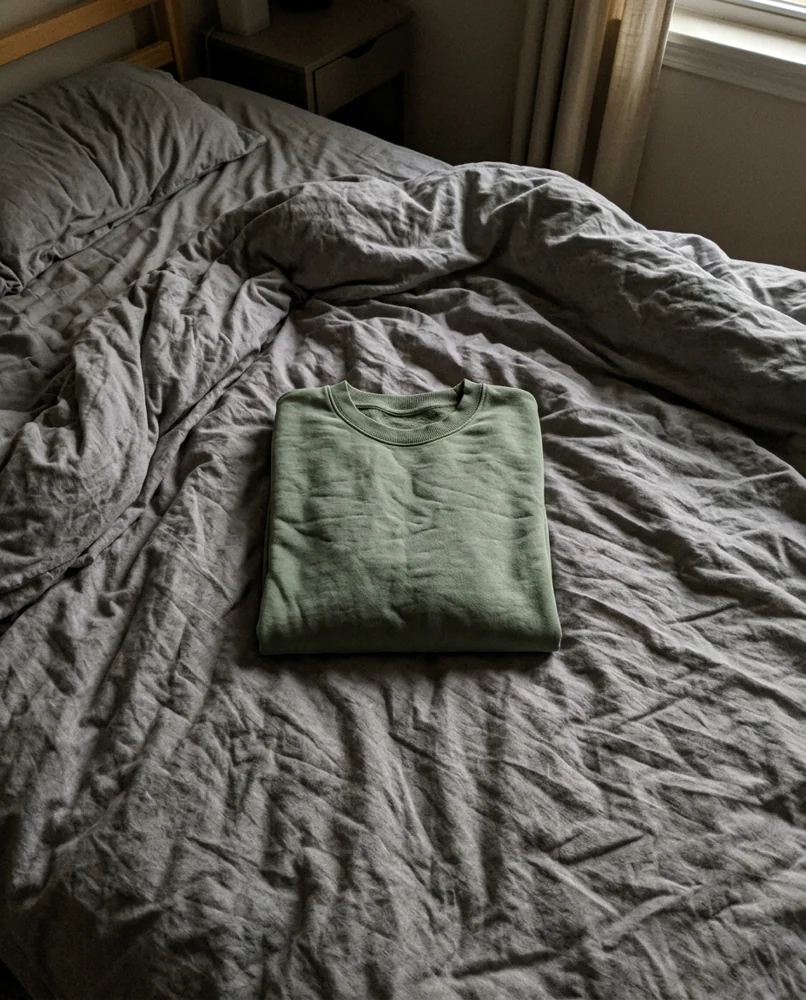
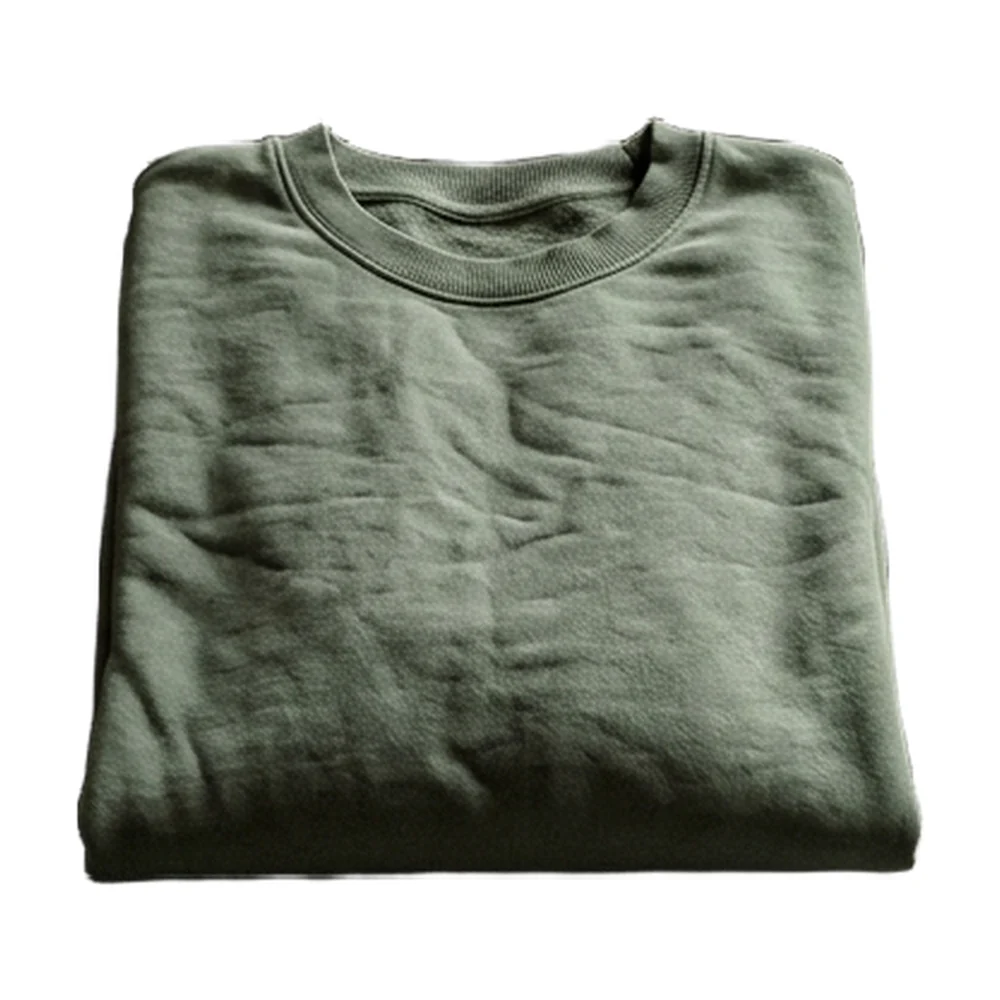
Clothing photos in short
For clothing, photograph each garment flat or folded in even light, then use AI for a clean white main image and flat-lay or boutique scenes. AiArter keeps the real garment, so color, print and texture stay true, which keeps returns down.
Scene ideas for clothing
- Flat lay on light wood with accessories
- Boutique display table
- Folded on a bed with soft linen
- Hanging on a clothing rail, blurred shop
Real results
One folded sweatshirt, a full listing kit
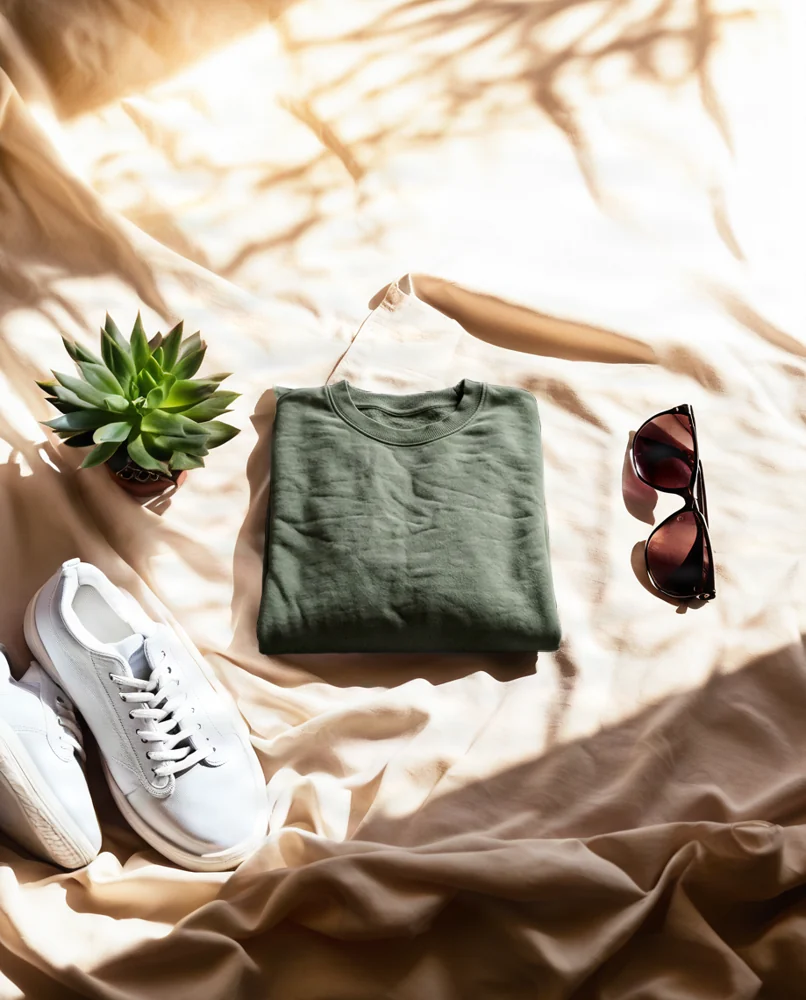
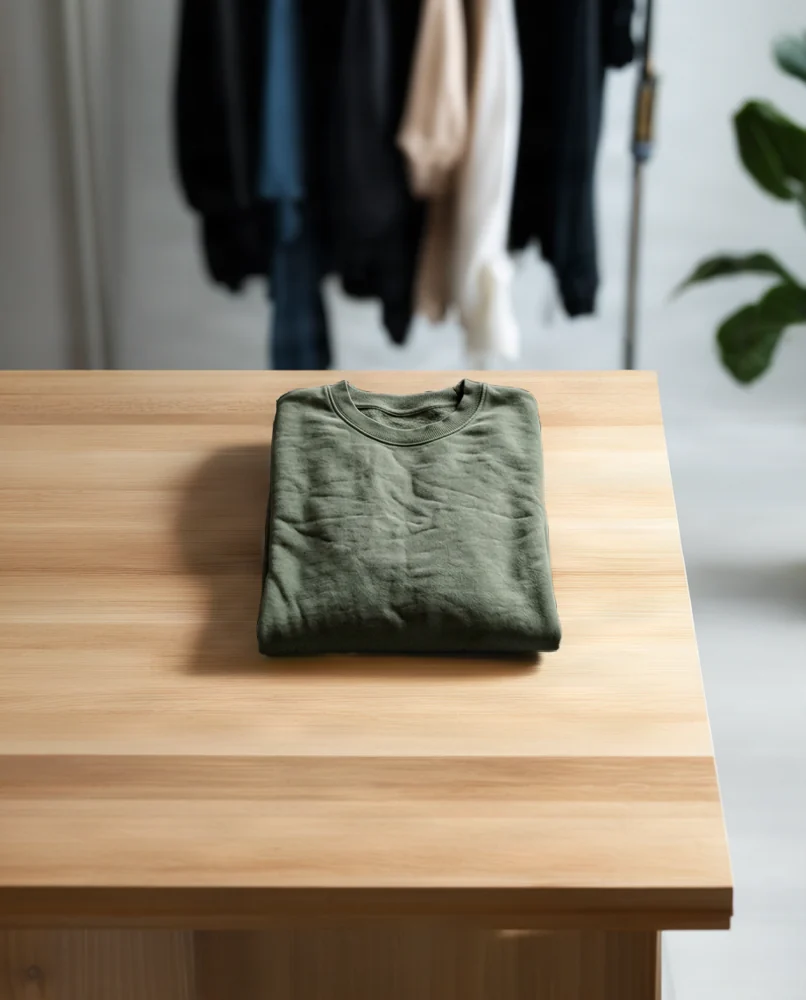
The starting photo was generated as a sample phone photo; every result after it was made with AiArter's own tools, which keep the product as shot and build only the background.
Shooting tips for clothing
- Steam or iron first; AI won't remove creases from the garment itself.
- Shoot in daylight and check color against the real item: color mismatch is a top return reason.
- Add a close-up of fabric texture and the label or size tag.
- Keep folds and angles the same across a collection so the grid looks consistent.
Marketplace rules to know
- Amazon, eBay and TikTok Shop main images: product only, on pure white. See the Amazon rules.
- Etsy: at least 2,000 px on the shortest side; search crops the first photo to about 4:3.
- Shopify: 2048×2048 square keeps collection grids even.
- Scenes, scale and detail shots go in the secondary image slots.
Guides
Photographing clothing
- How to Photograph Clothes to Sell Online (2026): Flat Lay, Hanging and Worn
- How to Photograph T-Shirts: Flat Lay, Prints and Color (2026)
- Ghost Mannequin Effect Without Photoshop: How to Shoot and Edit It
- Flat Lay Photography Tips (2026): Overhead Setup, Composition, Props and Backgrounds
- How to Create a Lookbook (2026): Concept, Shot List, Layout and Sharing
- How to Photograph Sports Jerseys to Sell (2026): Tags, Crests and Signed Shirts
- Grailed Photo Tips (2026): Cover Photos, Tags, Measurements and Count
Other categories
✖