
Product
Product photosWhite backgrounds, lifestyle scenes and every channel size
Background removerRemove backgrounds from up to 50 photos at once
UGC video ads NewAn AI creator presents your product, with voice and captions
AI Studio NewImages, video, avatars and voice from 60+ AI models
Listing copyTitles, descriptions, bullets and ad copy written by AI
Design templatesSale banners, social posts and ads from templates
Brand kitsLogos, colors and tone of voice in one place
AI tools
White background for AmazonRemove backgroundAI background generatorAI image generatorImage to videoImage upscalerProduct description generatorAll tools →
Pricing
Blog
Skincare
AI product photos for skincare
One phone photo of a serum bottle, turned into a marketplace main image and lifestyle scenes with AiArter.
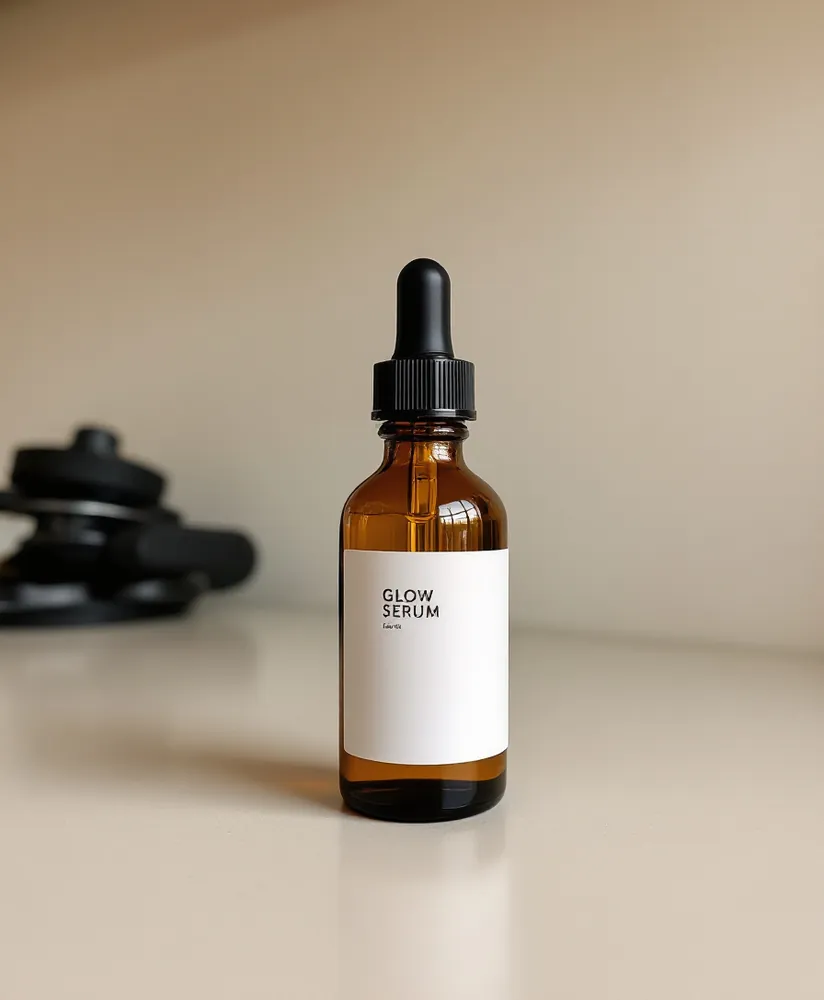
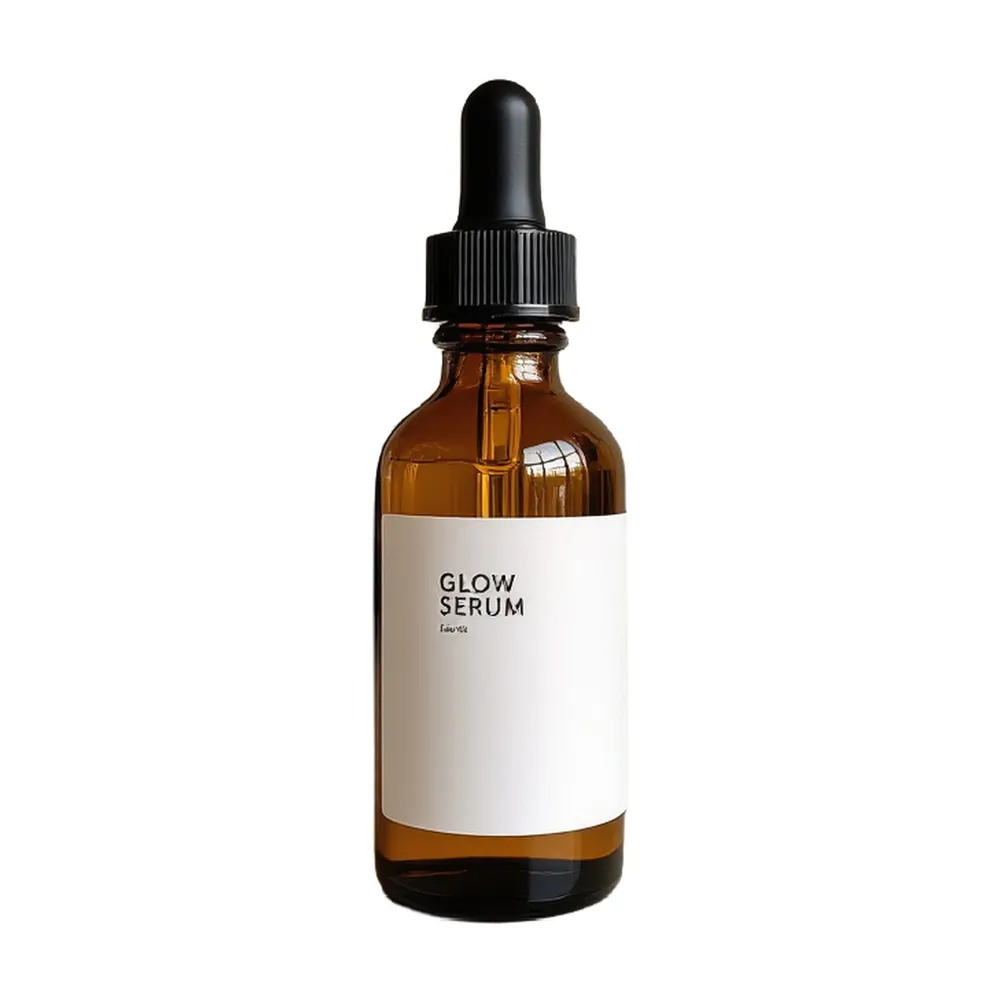
Skincare photos in short
For skincare, photograph the bottle or jar upright with the label facing the camera, then use AI for a white main image and bathroom, marble or spa scenes. AiArter keeps the real packaging, so labels and colors stay exactly as they are.
Scene ideas for skincare
- Bathroom shelf with towels and plants
- White marble counter with morning light
- Pastel podium
- Dark luxury backdrop
Real results
One serum bottle, a full listing kit
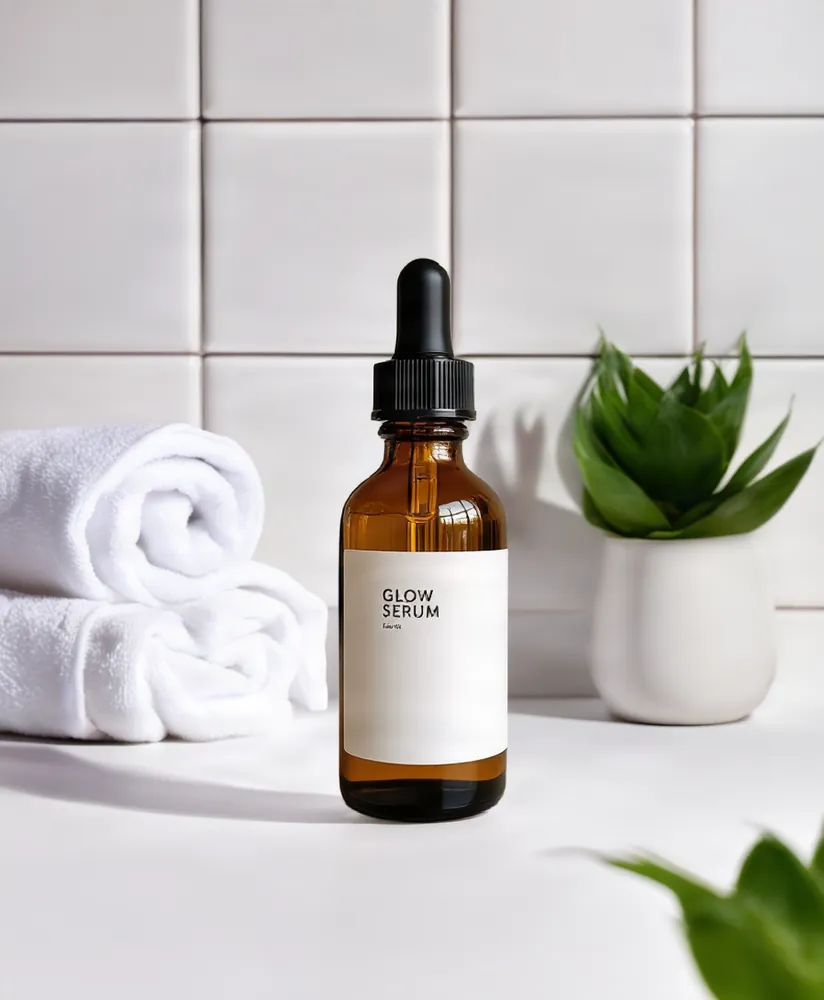
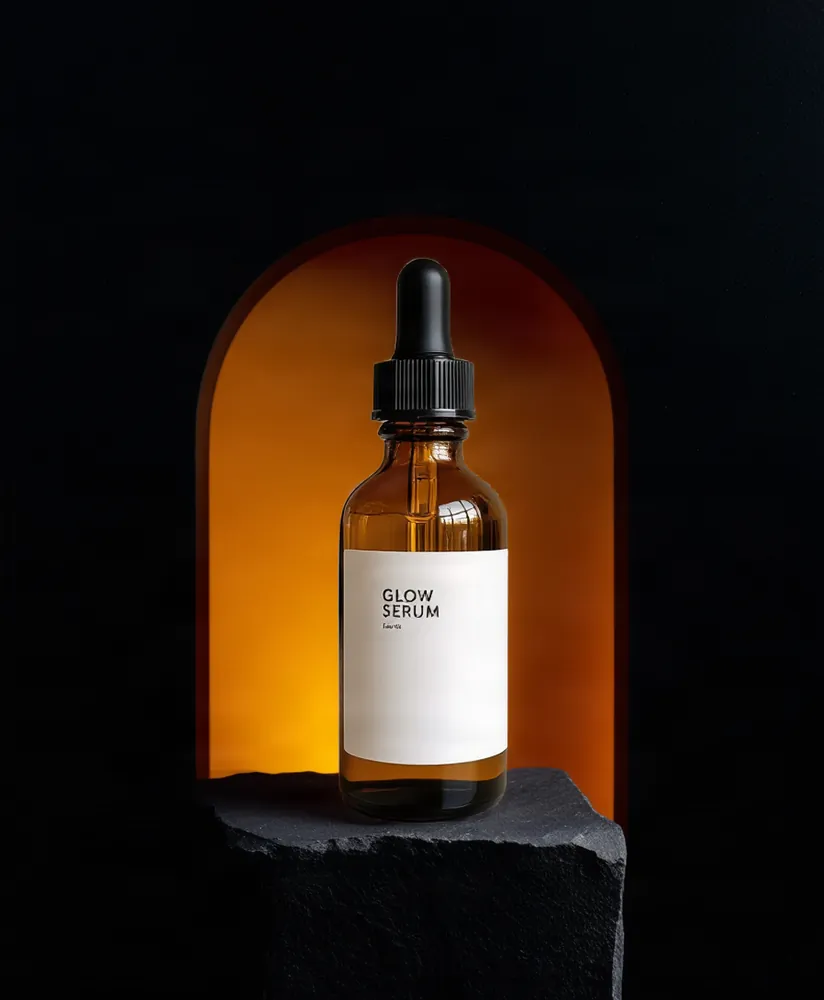
The starting photo was generated as a sample phone photo; every result after it was made with AiArter's own tools, which keep the product as shot and build only the background.
Shooting tips for skincare
- Clean the bottle and cap; glass shows every fingerprint.
- Shoot glass beside a window, not facing it, to avoid reflections of the room.
- Show texture in a secondary image: a swatch on glass or skin.
- Avoid medical claims in images and scenes; marketplaces review skincare claims closely.
Marketplace rules to know
- Amazon, eBay and TikTok Shop main images: product only, on pure white. See the Amazon rules.
- Etsy: at least 2,000 px on the shortest side; search crops the first photo to about 4:3.
- Shopify: 2048×2048 square keeps collection grids even.
- Scenes, scale and detail shots go in the secondary image slots.
Guides
Photographing skincare
- Skincare Product Photography: Bottles, Textures and Scenes That Sell
- Perfume Bottle Photography (2026): How to Light Glass, Liquid and Labels
- Supplement Product Photography: Labels, Facts Panels and Glare (2026)
- How to Photograph Makeup Swatches (2026): True Color, Skin Tones and Labels
- How to Photograph Reflective Products: Glass, Chrome and Shiny Packaging
Other categories
✖